5 Best Otter.ai Alternatives for Transcription in 2026
April 2026
·
4 min read


Taking notes can be time-consuming if you are constantly attending online meetings and phone calls.
That's where Otter.ai comes in; it automatically transcribes spoken words into written text, saving you the hassle of manual note-taking.
While Otter.ai is a suitable option for some businesses, many other tools available in the market meet the same requirement.
What exactly is Otter.ai?
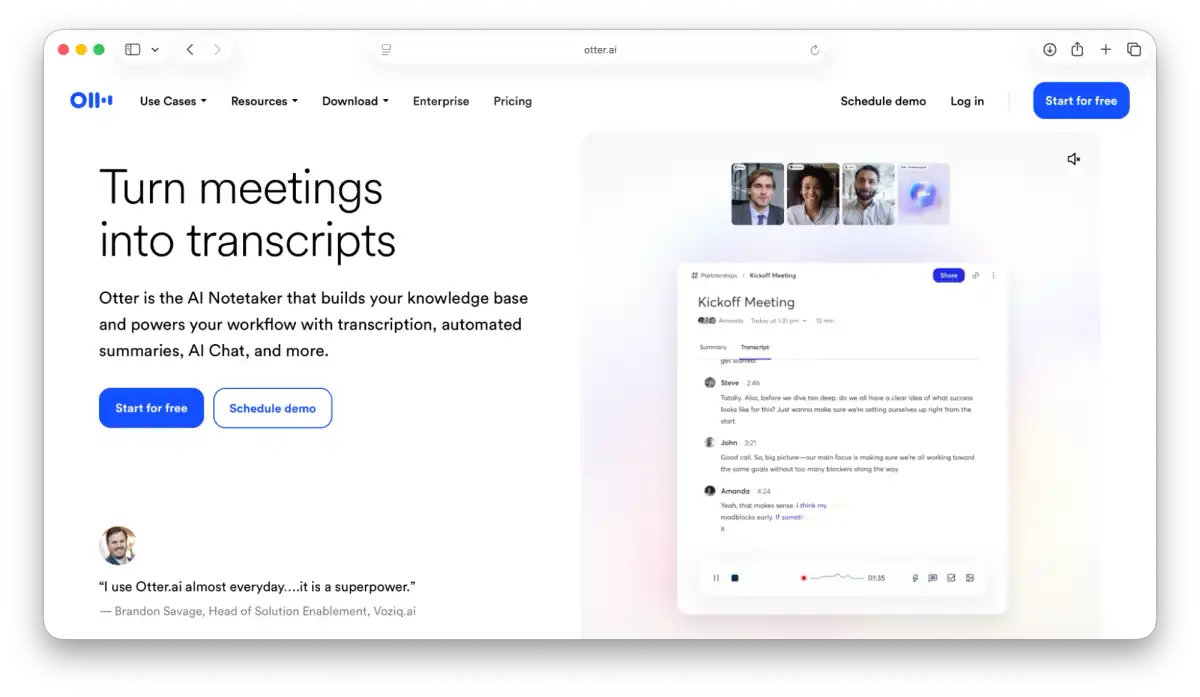
Otter.ai is an artificial intelligence platform that provides real-time transcription services. It integrates easily with video conferencing platforms like Zoom, Google Meet, and Microsoft Teams, and note-taking apps like Notion, Claude, Google Keep, and Google Drive.
Otter.ai also offers Google Calendar integration that lets you sync events to your Otter.ai account. You can easily share your transcripts with your calendar contacts when you start a recording. Once you connect your calendar, all your recordings from Live Notes or Otter Meeting Agents automatically get shared with your calendar guests.
Why do you need an alternative to Otter.ai?
Otter.ai was a fantastic tool when it launched; it was a category creator for Zoom bots that transcribed your meetings and let you securely share meeting notes with colleagues and external stakeholders.
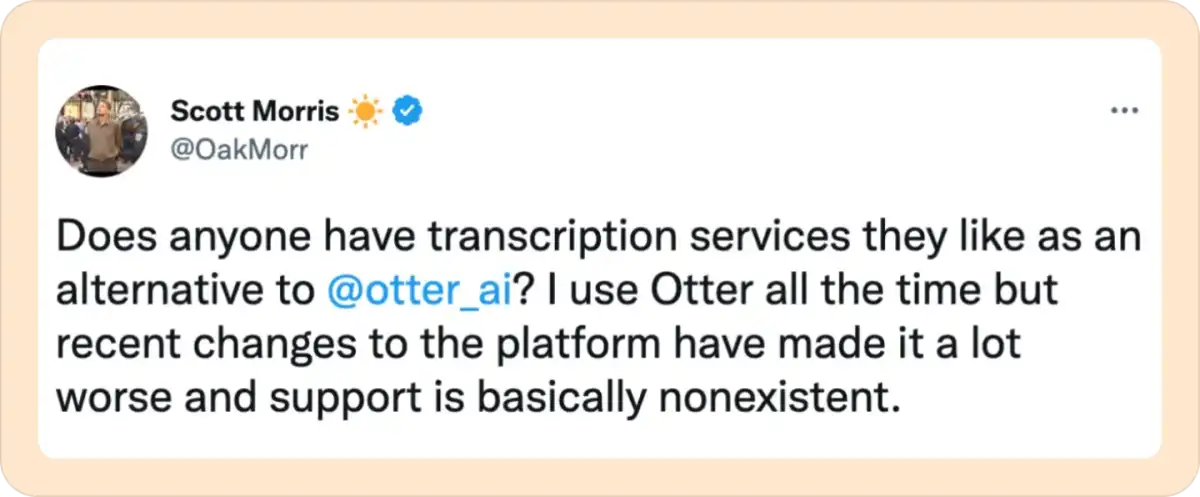
In 2026, several products provide live online meeting transcription. Real-time transcription can be a powerful asset to workflows. Finding a tool that fits your budget and offers features beyond transcription can be a game-changer.
Best Otter.ai alternatives
We did the research so you don’t have to. These transcription services and apps offer the most comprehensive set of features and the best user experience to get the most out of your meetings.
1. Reduct.Video
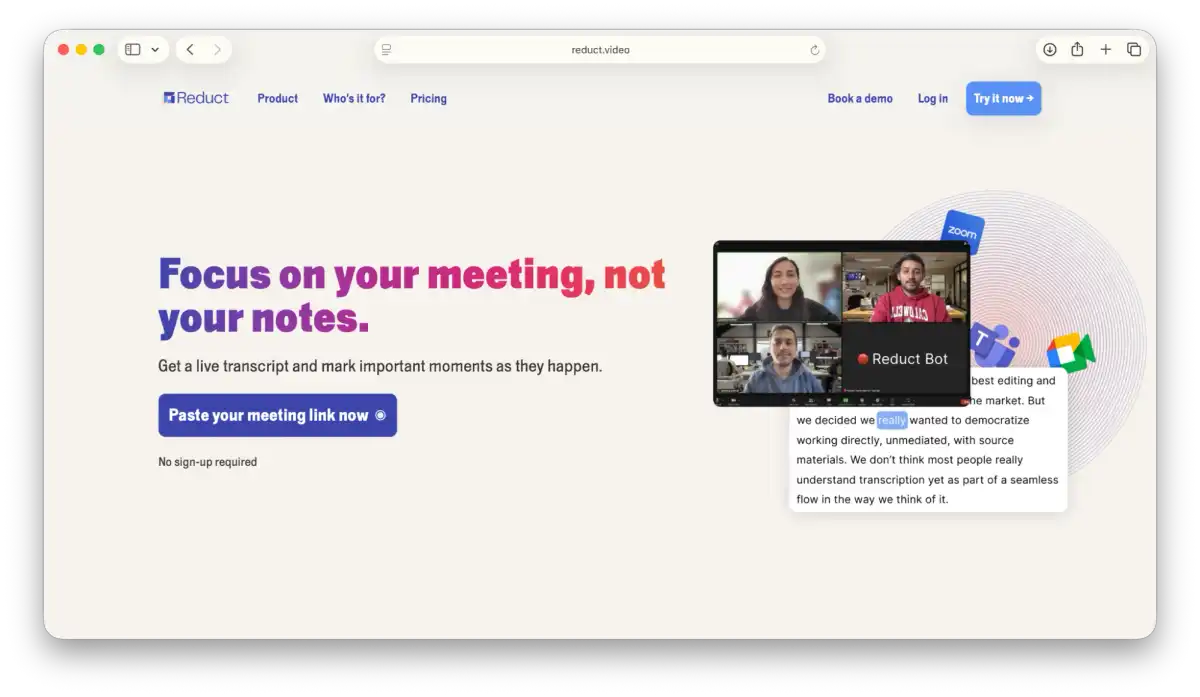
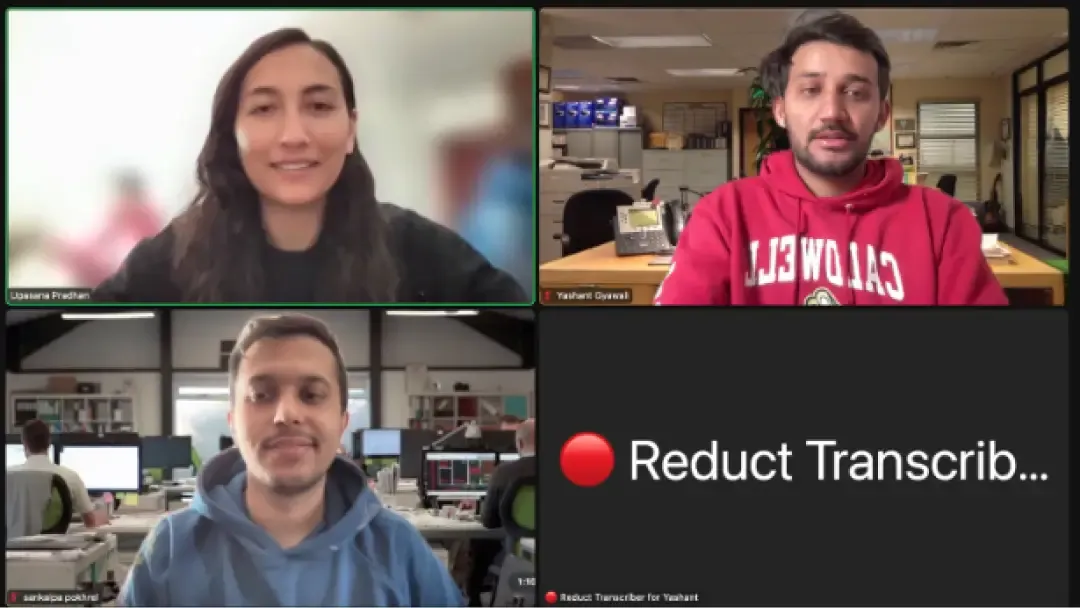
Much like Otter.ai, Reduct also offers a Live Capture feature, which works similarly. You just paste the meeting link, and a bot joins your meeting. The bot transcribes the speakers' voices in real time.
Live Capture by Reduct lets you capture Zoom, Google Meet, and Teams calls. Your whole team can highlight and comment on the live transcript, and you can share clips as soon as the call ends.
Like Otter.ai, you can edit the transcript yourself. The transcript syncs automatically with the audio or video, so you can search your media as you would in Google Docs.
With the Reduct Bot taking notes for you, everyone can fully participate in the discussion without having to designate a note-taker. You can prioritize key points and instantly receive the meeting's highlights. Reduct also generates meeting summaries with clickable timestamps so you can trace every insight to its source.
In addition, Reduct offers human transcription with 99% accuracy, while Otter.ai provides only AI-powered transcription.

2. Rev.com
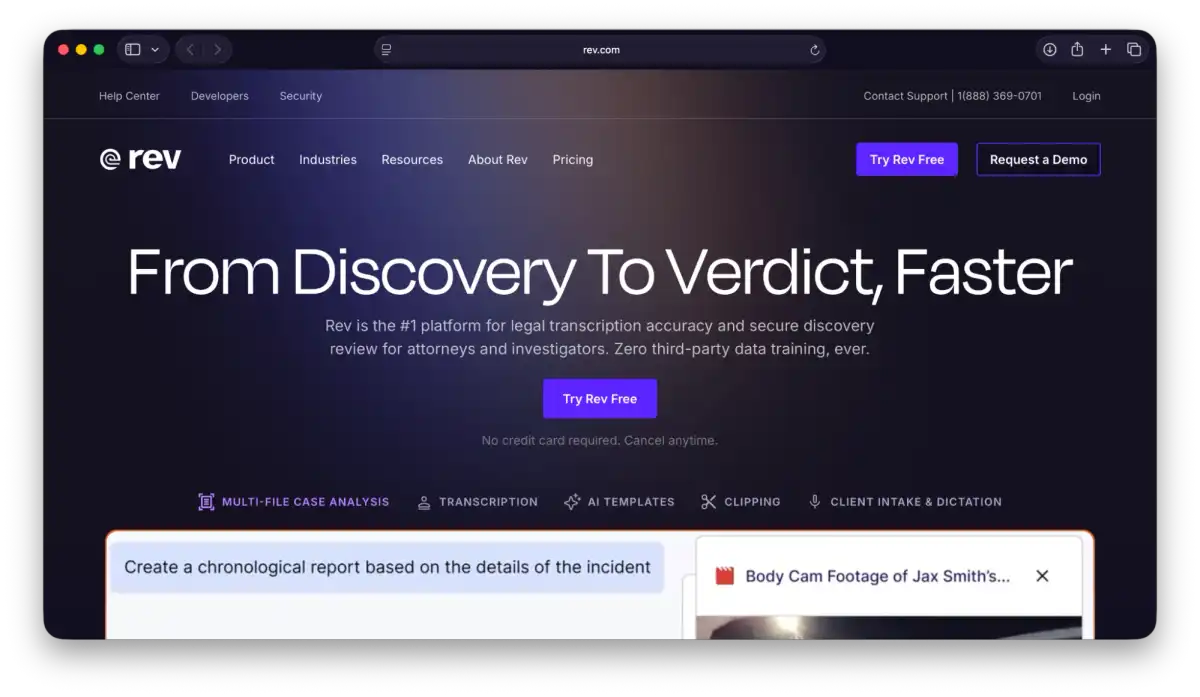
Rev provides transcription, captions, and subtitle services for audio and video content. Its transcripts and captions are searchable, making it easier to locate specific moments or information. It is widely recognized for its high-quality transcription, including options for human-reviewed accuracy, but it is often priced higher than Otter.ai.
Otter.ai focuses more on live meeting transcription, AI summaries, collaboration, and integrations for remote teams. It is designed to help users capture discussions, review meetings efficiently, and share notes across teams.
While both platforms offer speech-to-text services, they serve different needs. Rev is generally stronger for media, interviews, and workflows that require polished transcription or captioning, whereas Otter.ai is often the better choice for organizations that prioritize meetings, productivity, and team collaboration.
3. Notta.ai
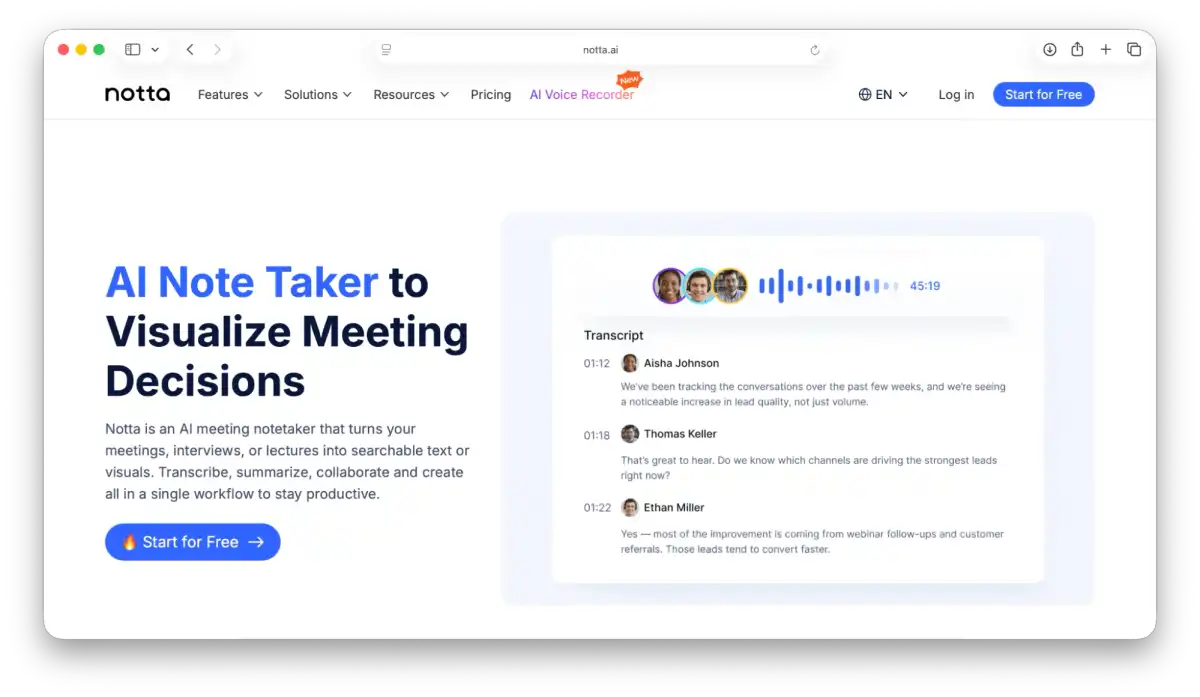
Notta is another excellent tool for meeting transcription. With its built-in transcription algorithm, you can record your meeting and convert it into shareable text.
Like Otter.ai, you can easily schedule a meeting with Notta. If you are looking for an alternative with multi-language transcription, Notta is a great option.
Notta provides a more effective meeting workflow management tool than other options, suited for individuals and teams seeking end-to-end meeting management from planning to follow-up.
It also offers built-in meeting templates to help better organize your meetings. You can collaboratively develop an agenda to facilitate the discussions. All meeting attendees can simultaneously take meeting notes with Notta's integrated rich-text notepad.
You can also export time-stamped notes with speakers to Notta's integrated platforms, such as Notion, Slack, Google Docs, and Microsoft Word. Compared with other meeting transcription and management tools, Notta is an economical choice.
4. Tl;dv.io
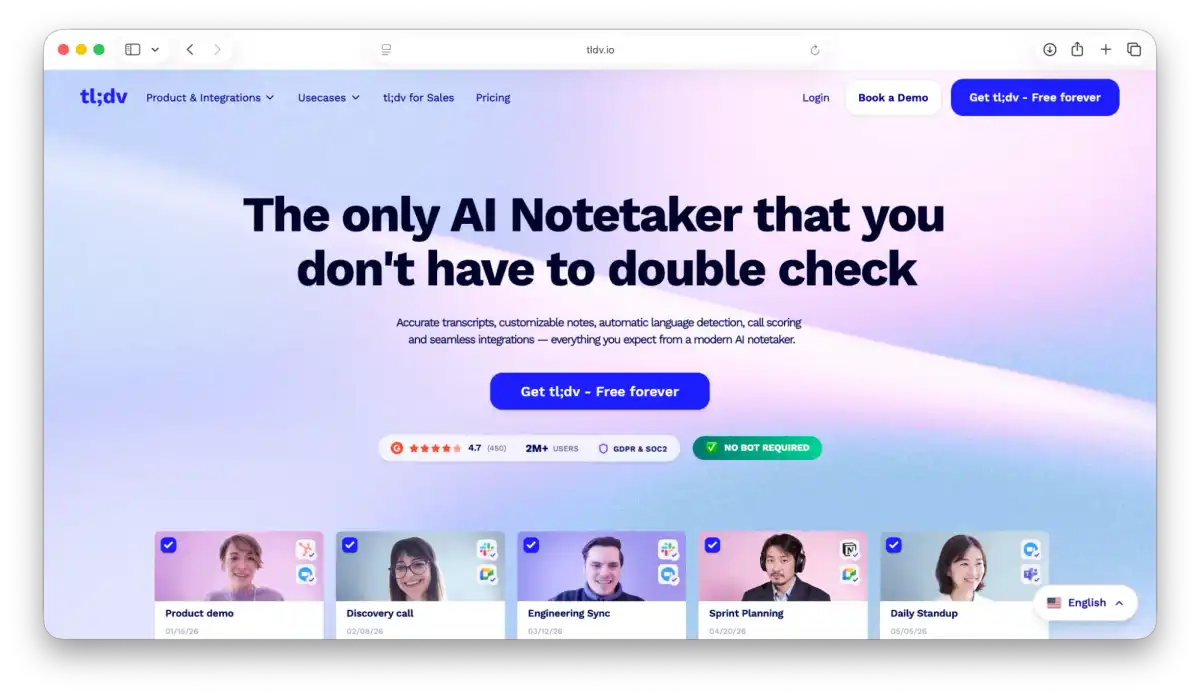
Tl;dv is one of the newest alternatives to Otter.ai. Tl; dv started with a simple mission: liberating people from hours of tedious live meetings.
Like Otter.ai, you can record your meetings, tag important moments on the fly, and share insights with tl;dv. Whether you're working across time zones or continents, tl;dv empowers remote and async teams to communicate efficiently.
Tl;dv integrates well with Zoom and Google Meet. To record your live meetings, you need to install the tl;dv Zoom app or Google Meet browser extension. Once installed, you will see a small tl;dv button on each of your new meetings to record and tag insights directly in the meeting.
Tl;dv offers a free plan that lets you transcribe unlimited recordings from Zoom and Google Meet and upload up to 5 recordings. They also offer a premium plan with unlimited uploads, more integrations, collaborative features, and AI capabilities.
Tl;dv provides features such as transcription, timestamping, and video editing, and supports 30+ languages. If you are looking for a live meeting transcription for languages other than English, tl;dv is a great alternative.
5. Fireflies.ai
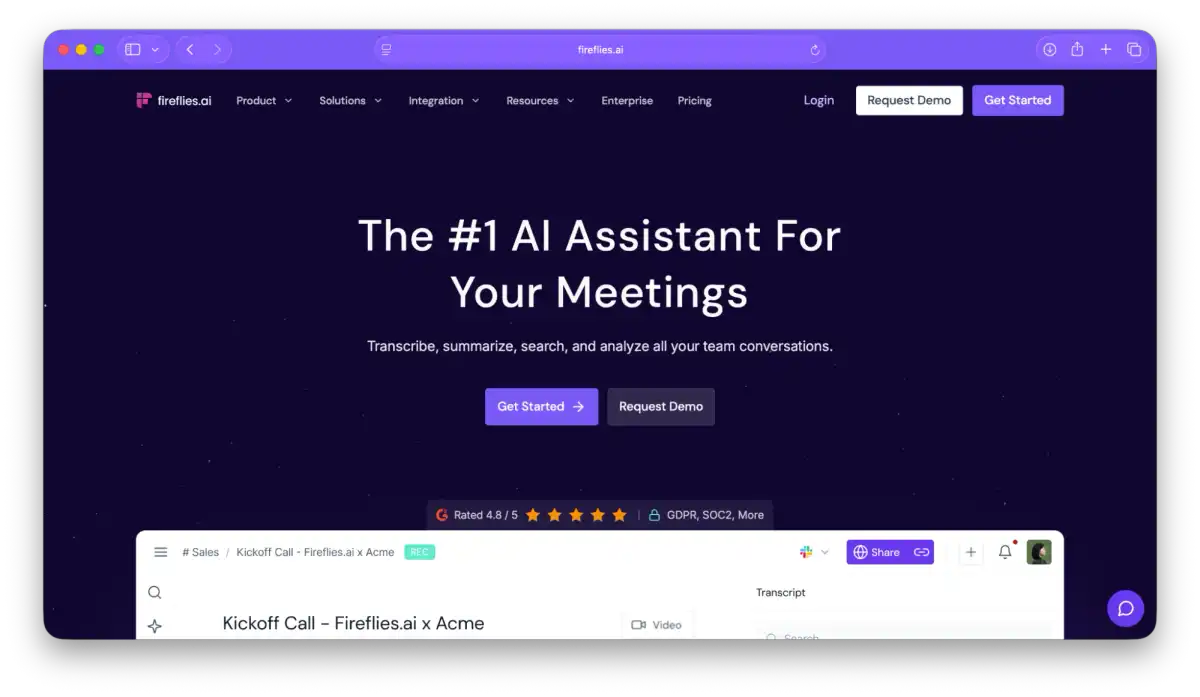
Fireflies is an AI-powered transcription service that automatically records and transcribes meetings across multiple video-conferencing apps, dialers, and audio files.
Fireflies also integrates with Google Meet, Zoom, Teams, Webex, RingCentral, Aircall, and more.
Just like Otter, Fireflies offers native integration with calendar apps. You can easily invite Firelflies.ai Notetaker to your calendar meetings, capture video and audio, and generate transcripts in minutes.
Fireflies.ai's meeting assistant offers a broader array of features than Otter's.
The Notetaker supports conversation intelligence, CRM integration, topic tracking, soundbites, and connects to many third-party business tools. The CRM integration in Fireflies automatically captures details from your meetings and adds them to customer profiles in your CRM.
They also have a Live Assist feature that provides real-time suggestions during your meetings, unlike Otter.
They offer meeting analytics and conversation intelligence, which is not available on Otter.

Ultimately, the choice between Otter.ai and its alternatives will depend on your business's specific needs and priorities. So choose wisely what best suits your work.