We play nice
Reduct integrates with the tools and services you already use, to help you expand and optimize your workflow.


Zoom
Connect to a Zoom meeting to get a live transcript, or import your cloud recordings directly from Zoom after the fact.
Learn more →

Google Meet
Connect to your Google Meet meeting and have your conversation transcribed in realtime, and make highlights and comments as you go.
Learn more →

Microsoft Teams
Connect to your meeting on Teams and have your call transcribed in realtime, and make highlights and comments as you go
Learn more →

Zapier
Connect Reduct to hundreds of other services to streamline your workflows and turbo-charge your organization.
Learn more →

Google Drive
Import your media seamlessly from Google drive with just a shared url.
Learn more →

Dropbox
Bring in your audio and video to Reduct by pasting the url to your media.
Learn more →

Vimeo
Import videos from Vimeo using just a link.
Learn more →

Google Calendar
Automatically capture and transcribe live meetings by having Reduct join your scheduled meetings on your calendar.
Learn more →

UserTesting
Bring footage from UserTesting into Reduct for further analysis and synthesis, and to assemble reels of your insights.
Learn more →

UserZoom Go
Import footage to connect the dots between recordings, conduct deeper analysis and synthesis, and create impactful highlight reels.
Learn more →

Final Cut Pro
Export your reels to Final Cut Pro using an XML-based workflow with just one click, whenever you need extra polish.
Learn more →

Adobe Premiere Pro
Use our unique Premiere extension to pull your Reduct reel into Premiere Pro to serve as a baseline rough cut.
Learn more →

GET, POST, PUT, DELETE
Full API access
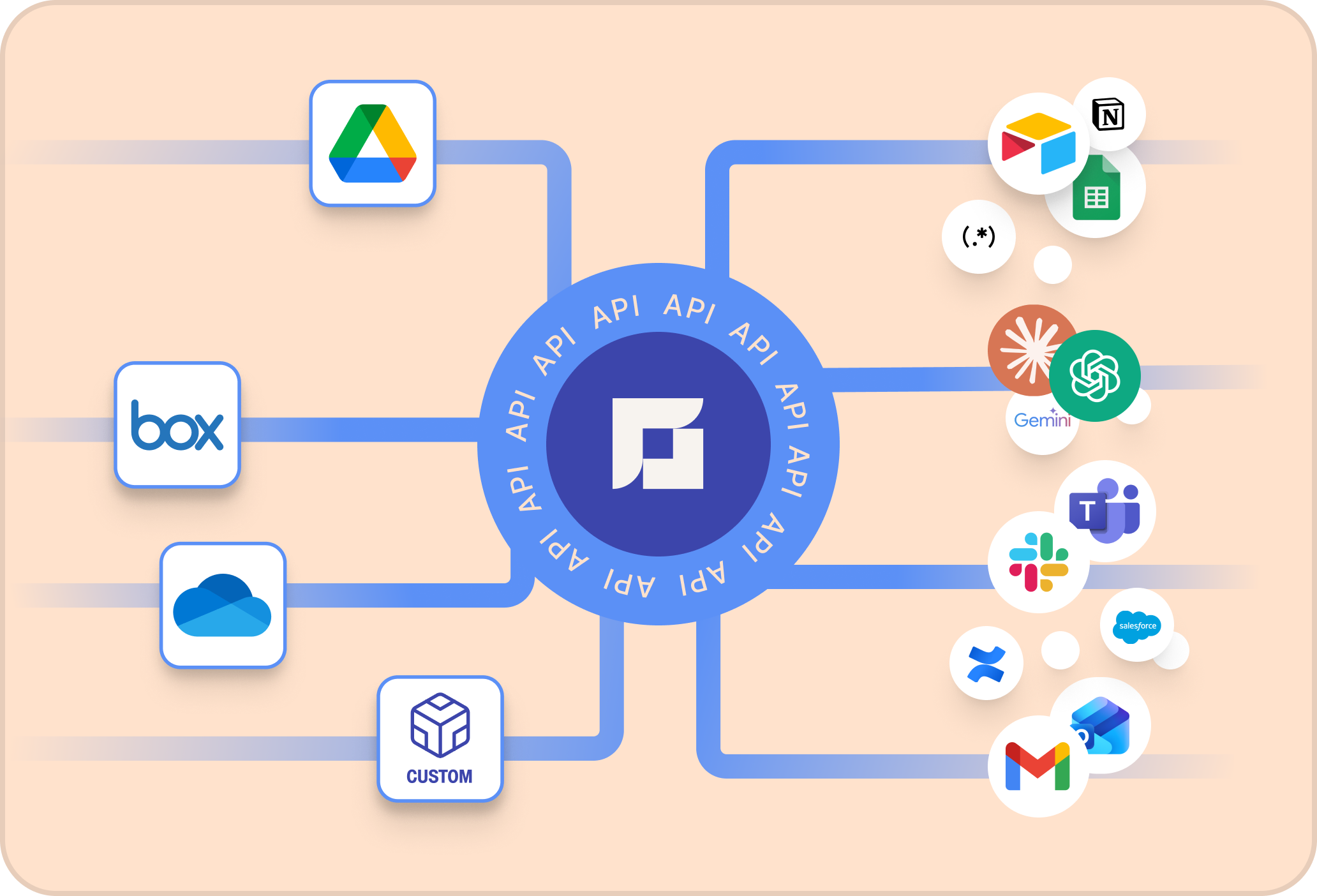
In addition to a powerful and intuitive user interface, Reduct offers a full Application Programming Interface (API) for custom integration or automation. Your imagination is the limit.
You can import media from external storage providers, and treat them exactly like native content. Access and modify your recordings, highlights, and reels programatically. Export transcripts and content as needed.
Integrate Reduct with other platforms and services however you need to - securely and simply.
File format support
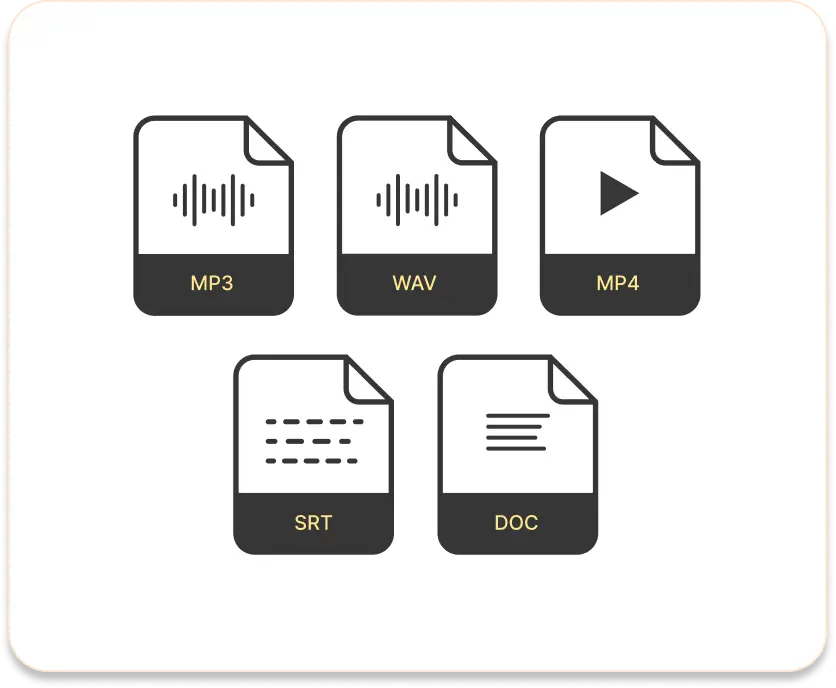
You can work with practically any audio or video format in Reduct.
From AVI to WAV files, Reduct supports just about any media format you work with - ACC, MP3, MP4, MOV, VOB, MPG, and more.
Reduct also offers multiple ways to export your work — transcripts as Word docs, PDF, and text files; highlights and labels as CSV; subtitles as SRT; your reels as MP4 or WAV; or just share a link to a published reel so stakeholders can quickly view the it in their browser.
File format support
You can work with practically any audio or video format in Reduct.
From AVI to WAV files, Reduct supports just about any media format you work with - ACC, MP3, MP4, MOV, VOB, MPG, and more.
Reduct also offers multiple ways to export your work — transcripts as Word docs, PDF, and text files; highlights and labels as CSV; subtitles as SRT; your reels as MP4 or WAV; or just share a link to a published reel so stakeholders can quickly view the it in their browser.
It's for all sorts of teams
Public defense & legal →
Achieve better outcomes for your clients when you use Reduct to transcribe and manage video and audio evidence.
Qualitative research →
Your research will benefit from powerful labeling tools, search, and effortless editing to tell impactful stories.
Filmmaking and production →
Assemble a rough cut in a tenth of the time—and spend your effort telling the best story.
Using a tool you wish worked with Reduct?