

Audio and video translation software
Understand every word, in 90+ languages.
Reduct translates your transcripts so you can search, label, analyze, and edit any video or audio without waiting on a translator.


















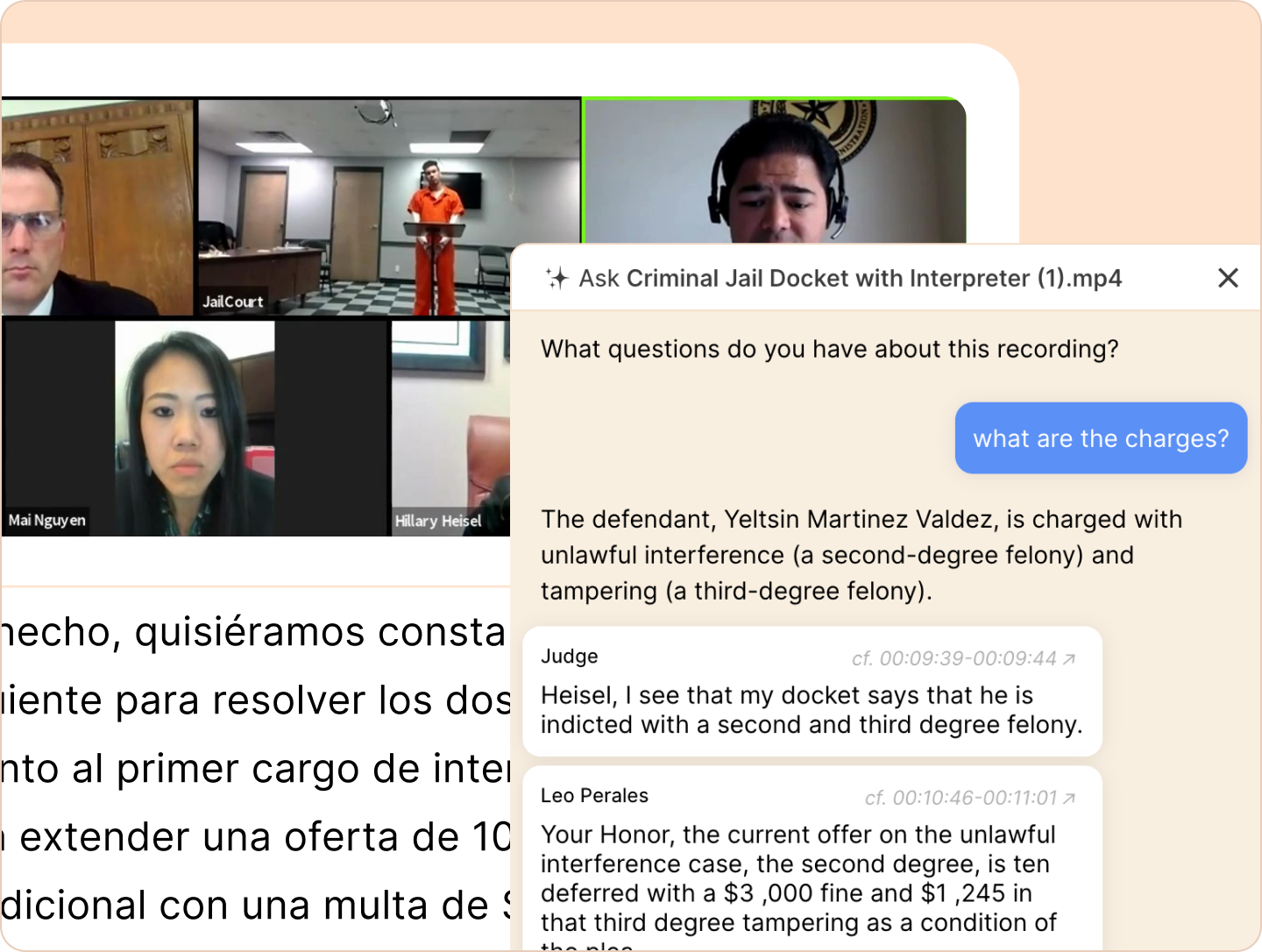
Find moments across languages
Search, generate summaries, and ask questions to the recording and find the exact moments in the recording.
Find moments across languages
Search, generate summaries, and ask questions to the recording and find the exact moments in the recording.
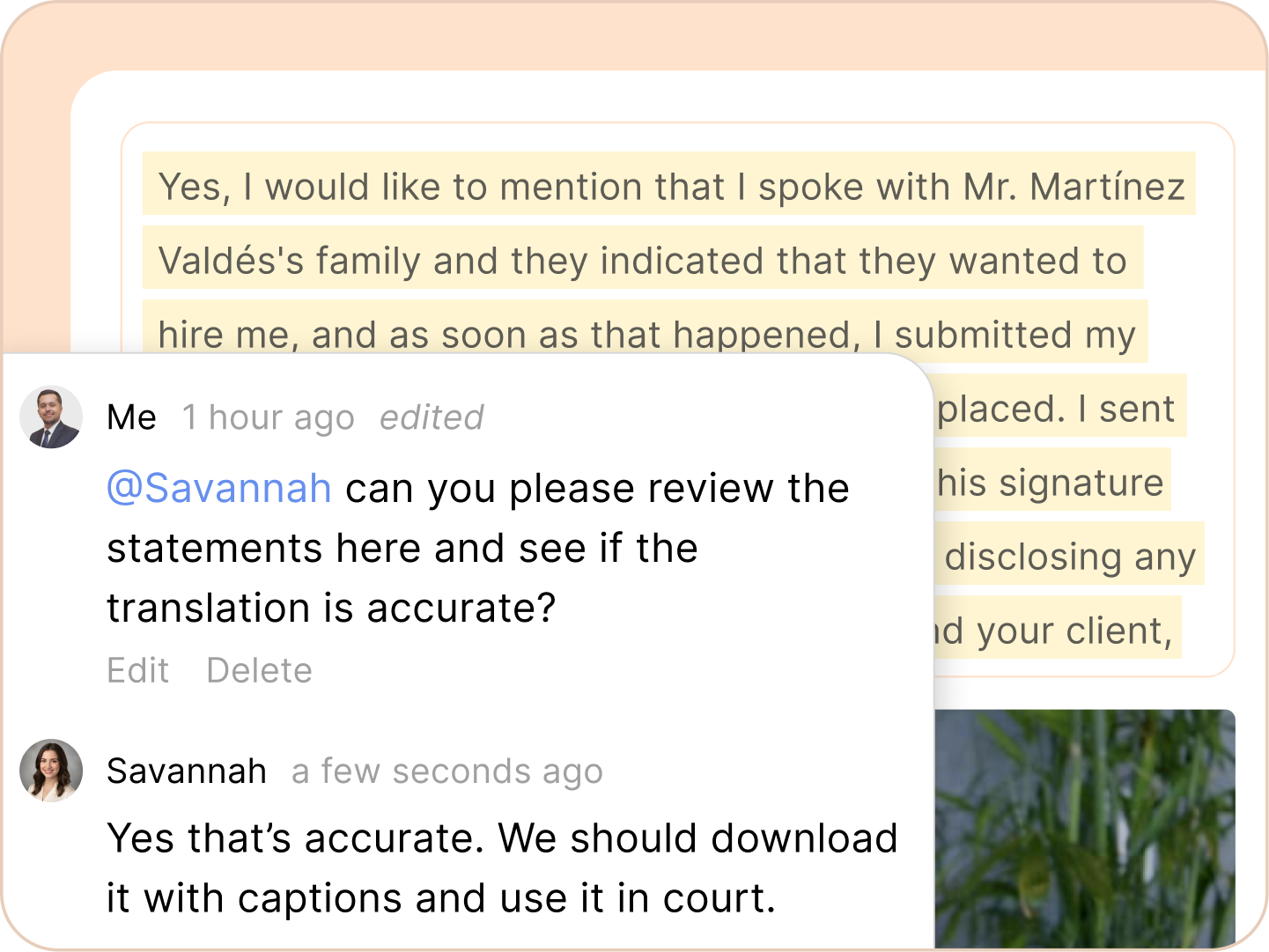
Collaborate without switching tools
Add highlights, labels, and comments to the original or translated transcript to communicate with your team.
Collaborate without switching tools
Add highlights, labels, and comments to the original or translated transcript to communicate with your team.
Edit videos in foreign language
Reduct helps you translate your video into a language you understand, then edit using the translated text to complete your task efficiently.
The side-by-side view
The original transcript sits side by side with the translation. View both the transcripts together to verify meaning without switching between documents.

There's just no comparison. Translating a 2-hour Spanish video into English would decrease 4-hour credits from your pooled transcription (2 hours for the original Spanish transcription and 2 hours for the translation). You can achieve this with just 1 editor seat in the $15 per month Personal plan and still have 6 hours of credits left.
Our AI-powered translations are highly accurate, typically achieving 85-95% accuracy depending on the language pair and content complexity. For critical content, we recommend a quick human review to ensure nuances are captured correctly.
Reduct.Video's translation feature supports over 90 languages, covering most major global languages and many regional dialects.
You can upload your video or audio and technically, the transcript is translated, not the video.
Most translations are completed within minutes, even for videos that run for hours. That's because we chop up the video into small sections and send those for translation to our AI engine in parallel.
Absolutely. You can correct both the transcript in the original language of the video and the translated languages as well.
Reduct.Video integrates with different editing tools like Adobe Premiere PRO and Final Cut through our plugins. You can do the translation and paper edits within Reduct and move to a more powerful timeline-based software for cleanup.
The translated transcripts can be easily converted into subtitles. You can export the video with subtitles in different formats and also export just the video and subtitles separately.
We take security seriously. All content, including translations, is protected with bank-grade encryption. We comply with industry standards like SOC 2 and GDPR. We also maintain strict access controls and conduct regular third-party security audits.
Can't find your answer? Get in touch with our support team.
Get translation built into your workflow
Review, organize, and clip multilingual recordings without leaving Reduct.


