AI Tools for Public Defenders in 2026
March 2025
·
9 min read
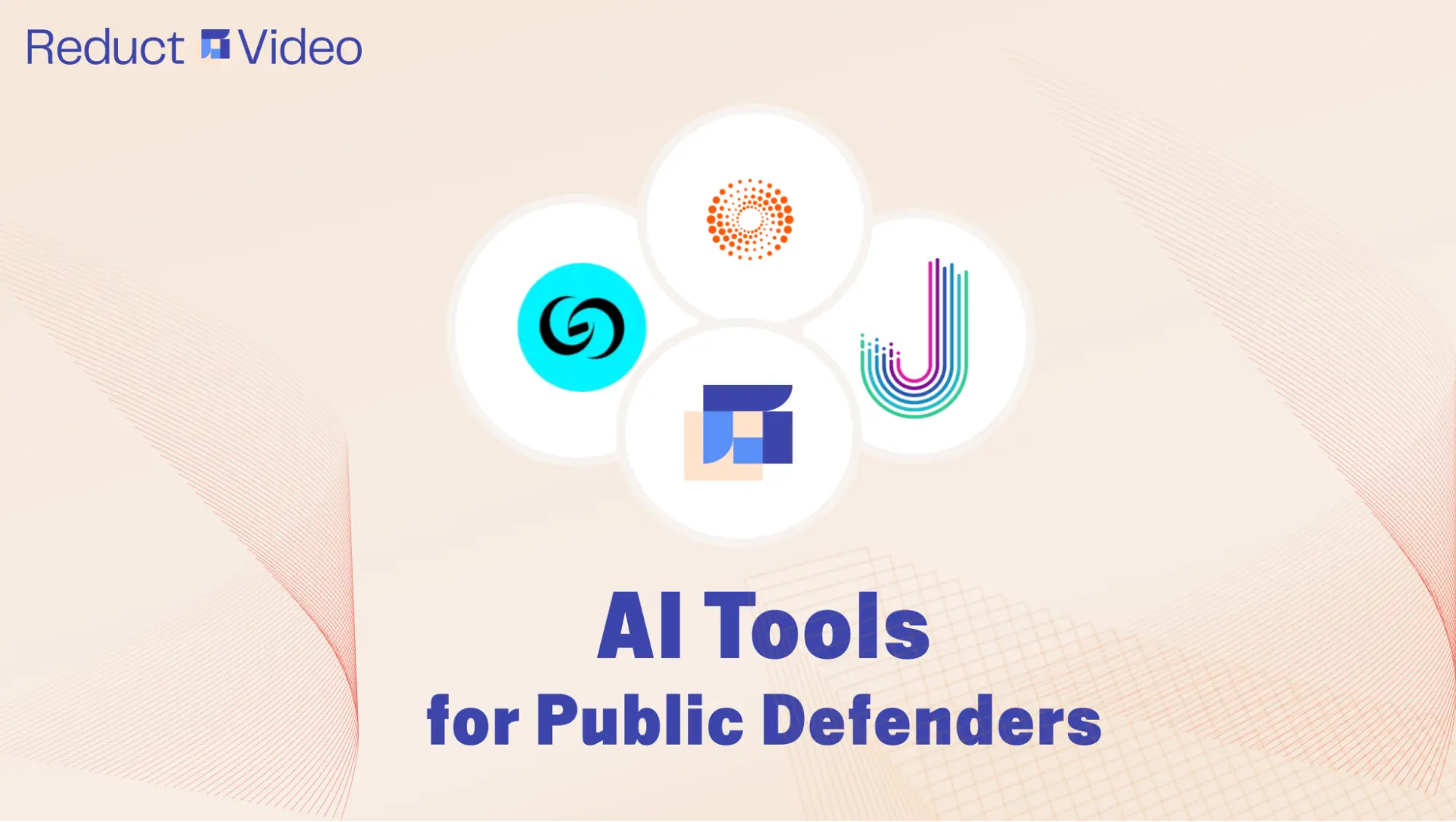
You walk in on Monday to find another 32 hours of body-worn camera footage waiting in discovery. The trial is on Friday. The state has investigators and analysts. You have a yellow pad, a paralegal who's already underwater, and you need to review every minute.
This is the public defender's math problem: too much discovery, too little time, and no margin for error.
Goldman Sachs estimated that 44% of legal work could be automated by AI. But that statistic misses what defenders already know. The lawyering is not drowning you. It's the grunt work around it. Watching hours of footage. Scrubbing redactions. Building exhibits. Hunting for the one contradiction across ten bodycams.
The right AI tools can give you back the hours you need to build your case well.
This guide walks through the 4 AI tools that defense teams are actually using in 2026: what each one does, where each falls short, and how to pick tools that won't compromise your client.
Overview: AI tools for public defense in 2026
1. Reduct.Video: multimedia discovery review for fast, searchable evidence analysis
Discovery in public defense is voluminous and can be tough to navigate. No index, no matching timestamps, no easy way to spot what matters before trial.
Reduct changes that. It helps you manage hours of discovery, including body-worn camera footage, jail calls, surveillance video, and recorded interviews, so you can quickly find what matters most to building your case.
You get an accurate, searchable transcript for every clip, can sync multicam angles into a single scrollable timeline, and you can clip specific moments directly from the transcript. The kind of work that takes a paralegal a full day happens while you finish your coffee.

Manually syncing timelines, comparing angles, and spotting contradictions (e.g., an officer’s claim of a "threat" vs. another officer’s footage showing a calm suspect) are the needle-in-a-haystack tasks that Reduct assists you with. For instance, in a disputed arrest, you can instantly compare:
- Officer A’s bodycam, showing a suspect calmly kneeling
- Officer B’s footage, mysteriously paused during the same moment
- A store surveillance clip capturing the officer’s use of excessive force
You can export your transcripts from Reduct as ASCII text or PDF, with formatting that meets the specifications of the federal or your state court systems. Reduct can also help you include line numbers and timestamps as needed.

Here’s a snapshot of how public defenders use Reduct to find evidence and build their defense:
- Search across transcripts with exact keyword search and fuzzy search, then jump to the moment in the recording
- Sync body-worn camera feeds from multiple officers at the same scene
- Select text to clip video and build court-ready exhibits
- Summarize long recordings by topic, time, or a custom template
- Tag, color-code, and annotate key moments across discovery files
- Skip silence using visual markers that show where speech actually occurs
- Export court-ready transcripts and video exhibits
Reduct is committed to supporting the defense side and does not serve prosecution. The platform is also SOC 2 Type II audited, HIPAA-compliant, and does not use customer data to train models.
Reduct speeds up your discovery review and evidence organization, but it doesn’t do the “lawyering” or offer any legal judgment. That part still stays with the public defender.
Implementation
Public defense offices across the US are using Reduct, including defense teams in Solano County, Michigan, Lancaster County, and Colorado.
Across these offices, thousands of public defenders rely on Reduct to accelerate AI transcription and discovery review of bodycam footage, jail calls, interviews, and other digital evidence—surfacing what matters in cases that often involve massive volumes of data.
Many offices, such as the Lancaster County Public Defender’s Office, describe the platform as a game-changer, especially for quickly finding “needle in a haystack” evidence buried in large discovery files.
2. CoCounsel Legal: AI legal research and case preparation
CoCounsel by Thomson Reuters is an AI legal assistant integrated into Westlaw Precision. It searches authoritative legal databases, synthesizes results with citations, and returns a structured research memo, drawing on the 150+ years of case law and editorial content behind Westlaw.
Public defenders already lean on Westlaw to find precedents, statutes, and arguments to back their position in court. The problem is volume: even a narrow search like "invalid search warrants" can surface thousands of cases, and identifying the most relevant precedent quickly is its own job.
CoCounsel does that triage for you. A defender can type, "Find cases where drug possession search warrants were invalidated for insufficient probable cause," and get back a memo with relevant rulings, summaries, and citations, including appellate decisions that might have been missed.
For public defenders, this means moving from a broad legal question to a usable research memo in minutes instead of hours, freeing time to actually build the motion or argument.
The catch: CoCounsel still hallucinates. You have to Shepardize every cite it returns and apply your own judgment about which precedents fit the case. It accelerates research, but it doesn't replace it.

Implementation
The front-line defenders from Miami-Dade Public Defense Office were early adopters. Today, Thomson Reuters’ CoCounsel is used by public defender offices across the U.S. federal court system and in 47 states, helping speed up legal research, motion drafting, and case summarization.
Since 2025, Thomson Reuters has also folded CoCounsel more deeply into Westlaw Precision, adding capabilities like deposition summaries, contract analysis, and timeline building.
3. CaseGuard: secure and compliant redaction for law firms
Bodycam or surveillance cameras capture a lot of footage filled with sensitive details, such as license plates, bystander faces, or minors. Public defenders who receive these recordings as evidence must redact these details to protect privacy and comply with court rules.
Manually blurring these elements across hours of video (e.g., 10 bodycams from a single arrest) is tedious, error-prone, and risks missing critical frames, exposing client confidentiality or violating privacy laws.
CaseGuard allows users to redact videos, audio files, documents, and images. This AI-powered software automatically detects and redacts faces, license plates, and other identifiers across videos.

For example, in a protest-related case with 20 surveillance clips, CaseGuard:
- Blurs all bystander faces not involved in the incident.
- Masks license plates of vehicles unrelated to the case.
- Flags frames where an officer’s bodycam accidentally captured a minor’s face.
With CaseGuard, defenders can process terabytes of footage in minutes, ensuring compliance without sacrificing efficiency.
Public defenders can redact videos faster with bulk redactions, avoid costly leaks of private data, and focus on building arguments instead of pixel-by-pixel edits.
The catch? While AI handles bulk redaction, defenders must still review outputs. Automation might miss obscured faces (e.g., hats, masks) or over-redact critical details.
You can use the tool for speed while double-checking for accuracy, without letting privacy or justice be compromised by a misplaced blur.
Implementation
Legal teams and government agencies use CaseGuard to automate redaction of bodycam footage, surveillance video, legal documents, and audio evidence.
CaseGuard says offices using the platform have reduced redaction turnaround times by up to 10x while cutting compliance-related labor costs through automated face, license plate, and PII detection.
4. eDefender: case management software with secure data storage
Public defenders receive a huge amount of case documents either through subpoenas or from prosecutors during discovery.
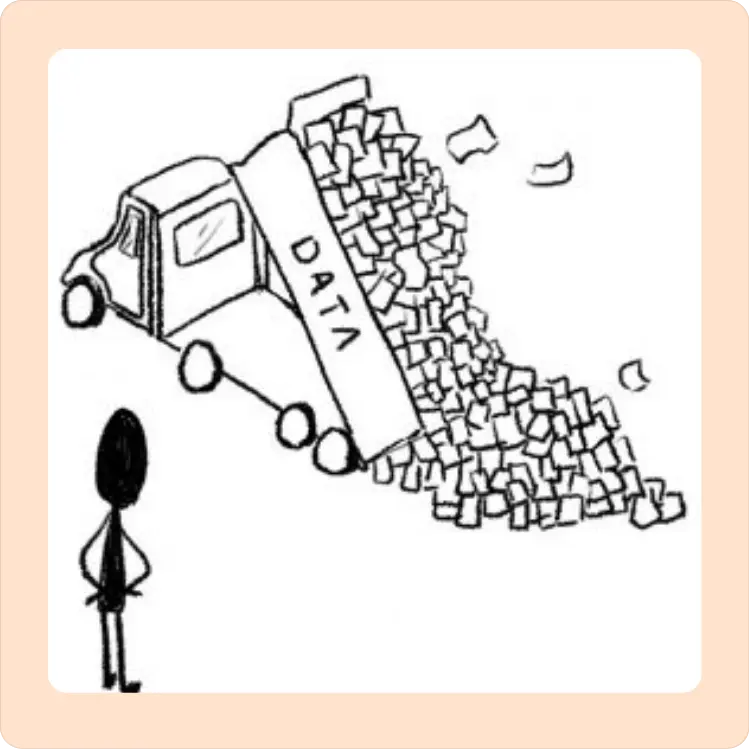
They often rely on paralegals to help organize and make sense of the collected data. Defense offices manage cases with terabytes of evidence—security footage, police reports, digital files—scattered across emails, USB drives, and paper records.
Locating a single critical detail, like a timestamp discrepancy or a buried witness statement, can take hours that can delay strategy and court deadlines.

eDefender by Journal Technologies is a cloud-based case management system built for defender offices. Its cloud-based system centralizes all case files—videos, documents, communications—into searchable folders which are accessible securely to defenders and paralegals working on the same case.
The case management system connects to Power BI dashboards, tracks caseloads, deadlines, and trends, and automatically flags inconsistencies (e.g., conflicting timelines).
Day to day, that means defenders and paralegals can quickly find and share key evidence, resolve contradictions, and meet tight deadlines — no more "I can't find the file" or "Who has the latest report?"
At the office level, public defender teams use eDefender's dashboard analytics to uncover systemic issues, like recurring evidence gaps, and advocate for broader reforms.
The catch? eDefender can be overly restrictive, slowing down collaboration, but if it’s too permissive, it may put data at risk.
Implementation
Public defender offices have adopted eDefender as part of broader transitions away from paper-based or fragmented case management systems.
Offices, including the Maryland Office of Public Defender (OPD) and Mohave County, use the platform to centralize discovery, case notes, court appearances, investigator assignments, and communications into a shared digital workspace accessible across defense teams.
3 questions defense offices should ask before adopting any AI tool
Defenders are increasingly anxious about AI, and rightly so. Some courts are weighing moratoriums, and state bars are issuing new guidance. Before you sign up for anything, ask the vendor these questions and refuse to move forward until you get clear answers in writing.
1. Where does my client's data live, and who else can see it?
You want a short list of subprocessors, named in a contract. "Industry-standard cloud security" is not an answer.
2. Is my data used to train your AI model? Anyone's AI model?
The honest answer should be no. If it's "sometimes" or "only de-identified" or "you can opt out," that's a different risk profile, and worth a hard conversation with your ethics counsel.
3. Does this vendor sell to prosecutors and law enforcement?
This one rarely comes up on a sales call, but it matters. The same vendor selling you "discovery review" may be selling pattern-detection tools to the agency you're cross-examining. You're allowed to ask.
Before you sign with any AI vendor, check out our free Ethical AI Vendor Selection Toolkit for public defense teams, which goes deeper into the framework.

For decades, public defenders have fought uphill battles with limited resources. Today, they're drowning in data, and AI tools like Reduct give defenders back the one resource the state has always had more of: time.
While technology can spotlight a missed precedent or sync 5 bodycams to help you find evidence, it can’t replace the defender who stands in court, armed with both evidence and empathy.
The future of public defense isn’t AI or attorneys, it’s both. And Reduct is built to be right there with you, strengthening every case, every step of the way.
TALK TO A PUBLIC DEFENDER
We're on your team

We believe the people building tools for defenders should understand what it actually takes to be one. So we have former public defenders helping us build the product. Have a question about whether Reduct fits your office? We’d love to talk to you.