4 Best Online Subtitle Translator Tools for 2026
January 2026
·
3 min read


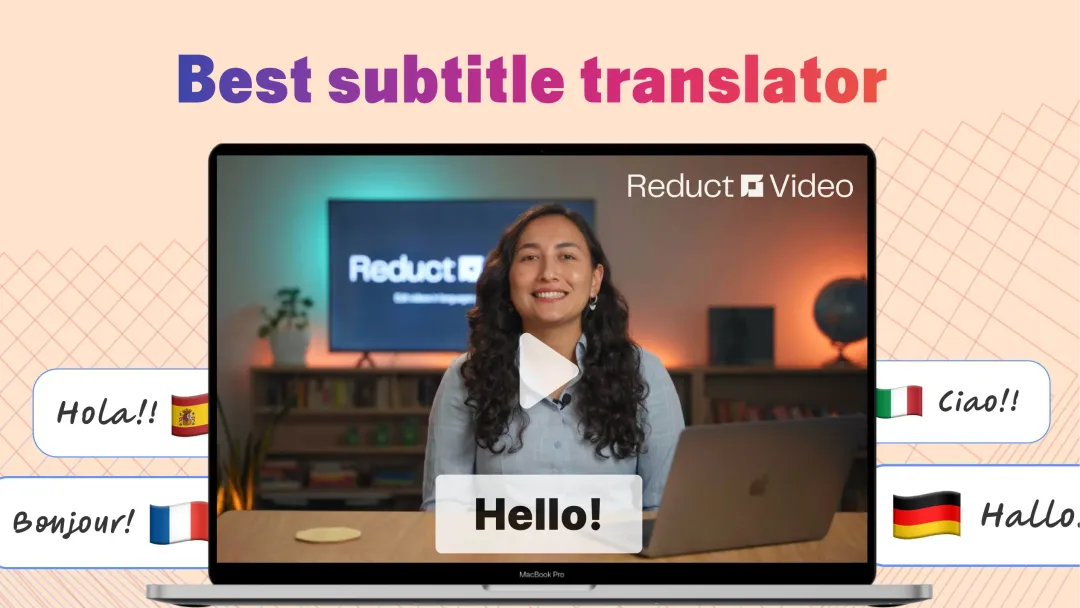
When you think of a video subtitle translation tool, two clear types come to mind. The first takes the words in your subtitles, translates them, and burns those captions into the video. The second option goes further: it translates the subtitles and recreates the spoken audio in a new language as well.
Both solve real problems. But they solve different ones.
I spent a considerable amount of time trying out various online subtitle translation tools and compiled my top picks in this article. For each category, I picked two tools: one built for teams and one for smaller, one-off projects. You can choose based on how often you need it.

Type 1: Subtitle translation + burned-in captions
These tools take your video, transcribe it, and translate the text into the language of your choice, baked into the final file (all while preserving the original audio). You can think of the output from these tools just like a foreign film with English subtitles.
1. Reduct.Video
Best for: Enterprise teams that need speed, accuracy, and tight data control
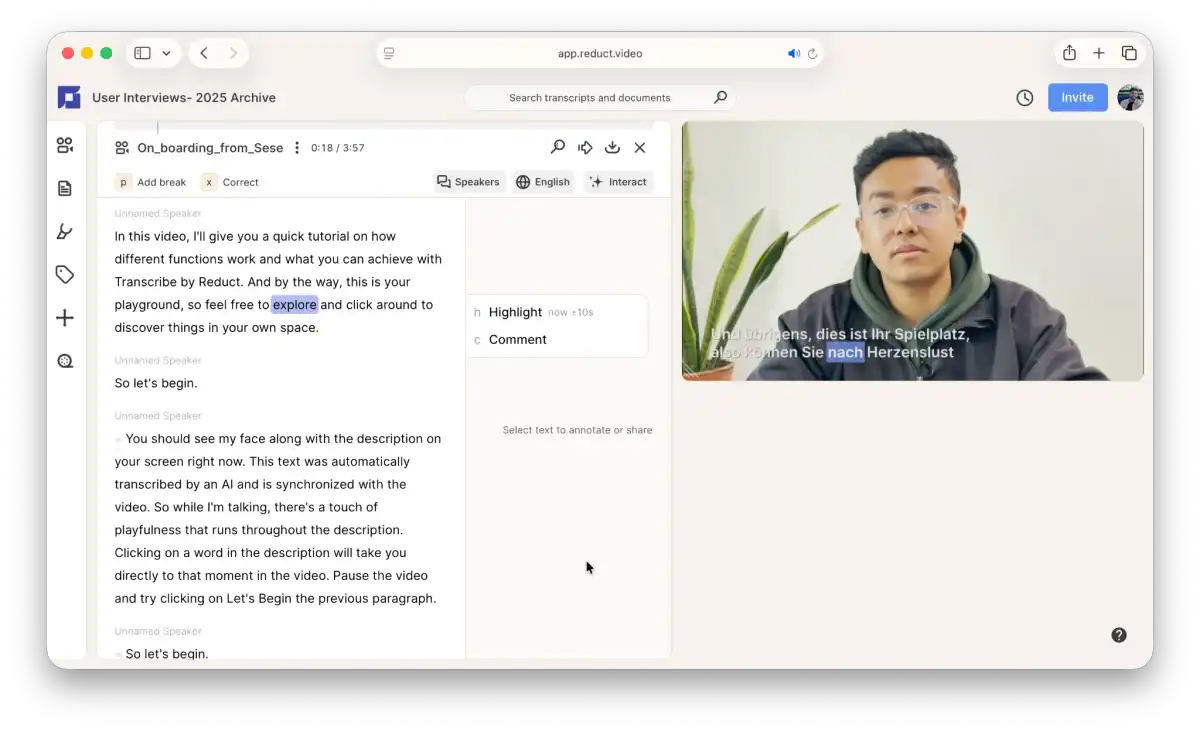
Reduct is built for teams that work with a lot of video, especially teams that can't afford a data leak.
It supports 90+ languages. You upload your video or audio, select a target language, and Reduct translates the entire transcript and syncs the subtitle timing on its own. It has an online text editor that lets you correct the transcription in both original and translated languages.
You get six subtitle styles and flexible export options: videos with burned-in captions or SRT, TXT files, or even JSON files that you can use to build your own internal workflows.
Reduct is SOC 2 Type II compliant, meaning it's passed strict third-party checks on how it stores and handles your data. If your videos contain private interviews, legal records, or internal research, this matters.
Who it's for: Teams translating high volumes of video who need enterprise security and reliable accuracy.
Best feature: A side-by-side transcription view that shows two languages at once, especially useful when correcting subtitles.
Pricing:
- Free trial (14 days, includes 5 hours of transcription & translation)
- Paid: Starts from $15/month
2. CapCut
Best for: Fast, free subtitle translation for short social videos
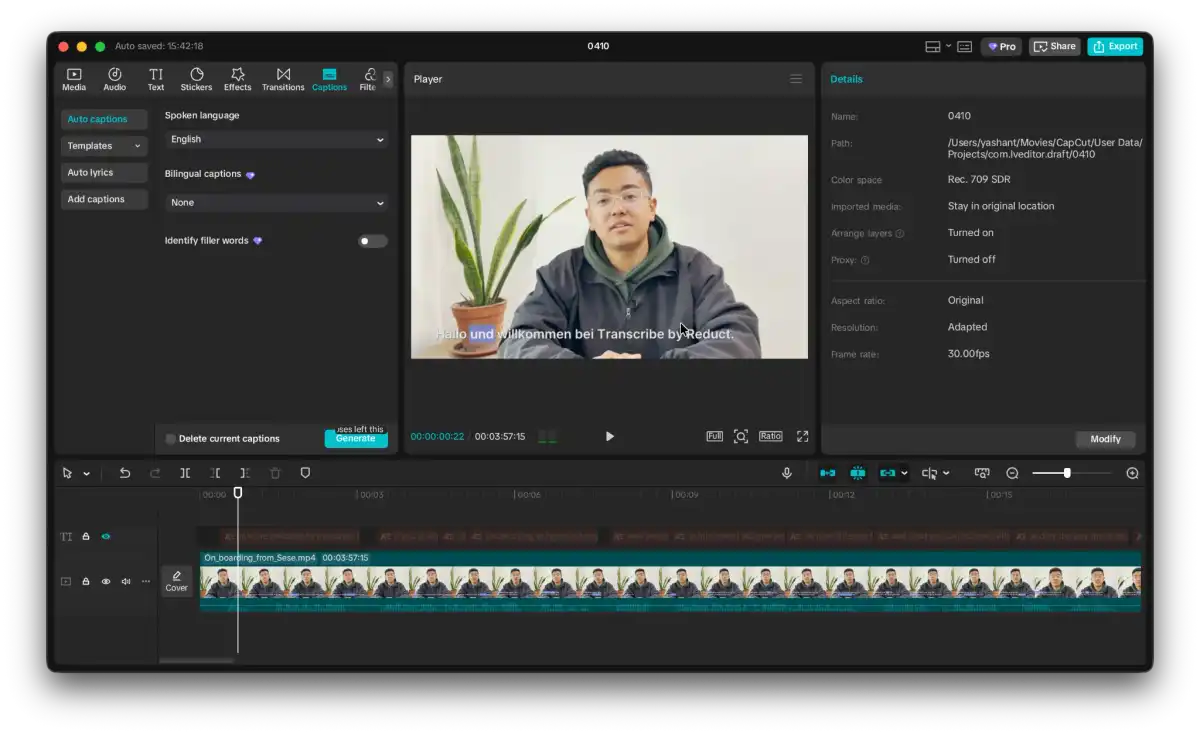
CapCut is the go-to platform for short-form video. Upload your clip, add subtitles, translate, and export. It's that quick.
You can also choose from a large collection of pre-made templates with various animation styles, so if the look of your subtitles matters, CapCut delivers. It's built for creating short, trendy videos for social media. If you need subtitle translation for anything outside that workflow, it can feel limiting.
Who it's for: Solo creators and social teams who need fast, good-looking subtitle translation for short clips.
Best feature: A wide collection of templates and animation styles. A typewriter effect is just one click away.
Pricing:
- Free (with limited features)
- Paid: CapCut Pro ($9.99/month)
Type 2: Subtitle translation + audio dubbing
These tools do more than translate text. They re-create the spoken audio in a new language, too, so your audience hears the content in their own language, not just reads it.
3. Maestra.ai
Best for: Enterprise teams that need translated subtitles and dubbed audio
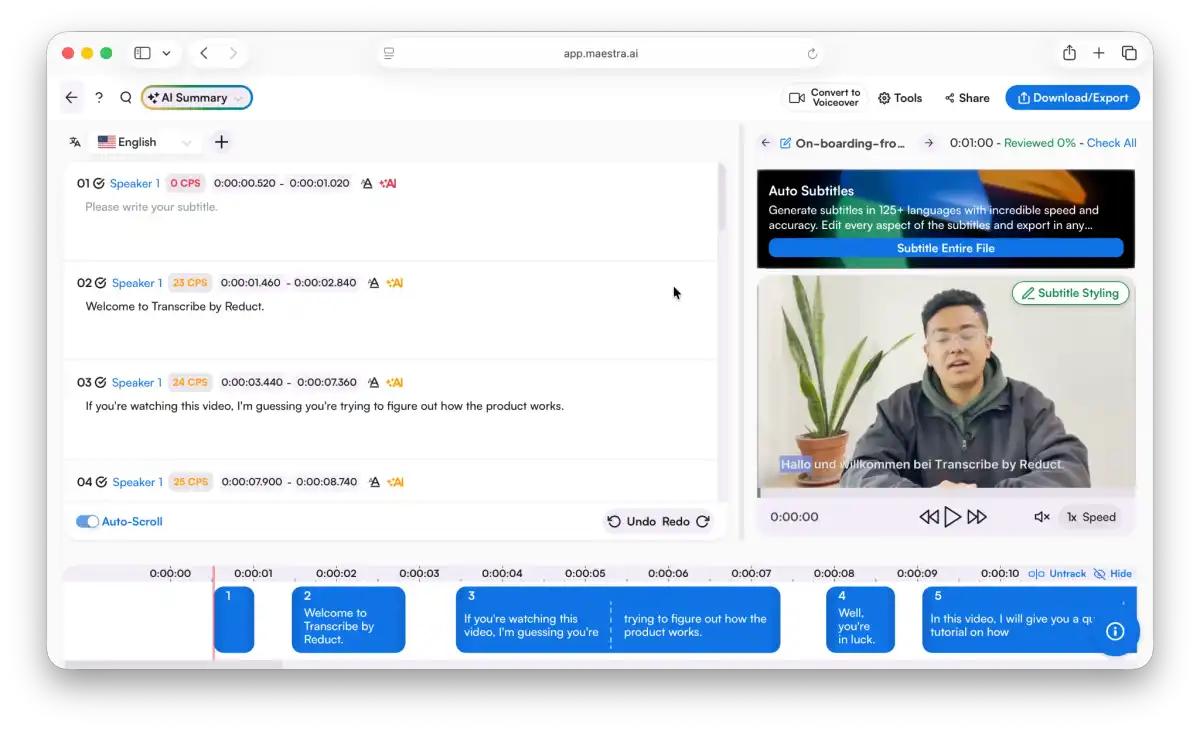
Maestra translates your subtitles and reads them out loud. You can export a full dubbed audio track in various languages with real voice, different tones, accents, and styles.
If the auto timing is off, you can fix it in the built-in editor and adjust how long each line stays on screen. I didn't find the manual editing very intuitive, but it gets the job done.
If you only need subtitle translation without audio, Reduct is more intuitive and has a better pricing model. But if dubbed audio is what you need, Maestra is a strong pick.
Who it's for: Teams that need both translated subtitles and localized audio, such as global companies rolling out training content or media teams entering new markets.
Best feature: AI voice cloning. You can clone your own voice and use it in the translated audio track.
Pricing:
- Free trial available
- Paid plans: Starts from $49/month
4. ElevenLabs
Best for: Anyone looking for a highly realistic text-to-speech solution + one-off projects
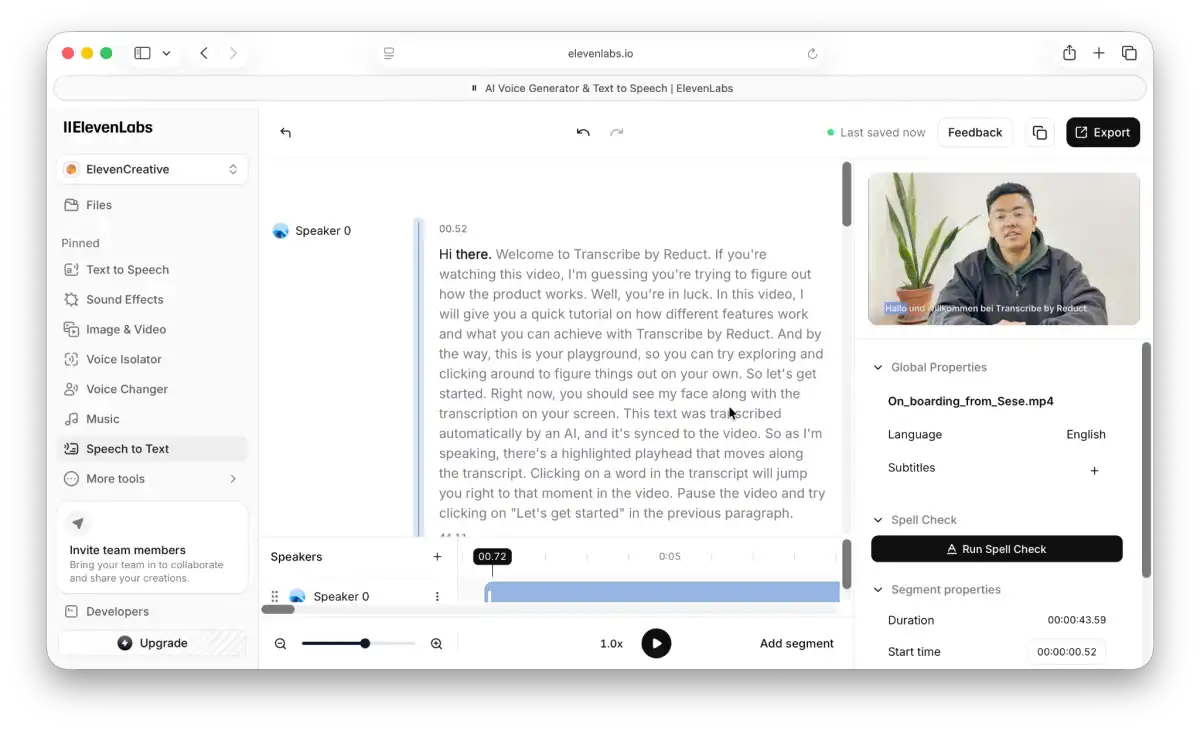
ElevenLabs makes some of the best AI-generated voices available. Its dubbing tool translates your video's audio into a new language and re-creates it with a voice that sounds natural, not robotic.
You get 10,000 credits per month on the base plan. If you're working on a one-off project or don't produce much video, that will cover you. I find the voice quality way above and very realistic compared to other tools in the market.
It supports a wide range of languages and allows you to fine-tune voice style and tone. Beyond video, you can also generate speech from any text you provide, making it useful well outside subtitle translation.
Who it's for: Solo users or small teams working on one-off projects. And anyone needed a very realistic text-to-speech solution.
Best feature: Realistic AI dubbing and the ability to generate speech from any text you provide.
Pricing:
- Free: 10,000 credits/month
- Paid: Starts from $5/month
Final recommendation
If you are looking for a subtitle translator with audio translation capability, try Maestra or Elevenlabs. And if you need fast, secure, and accurate subtitle translation, Reduct is the right fit. It is built for teams who care about accuracy and take data security seriously.