How to transcribe GTL v23, v24, v25 & v26 jail calls
March 2026
·
2 min read
GTL (now ViaPath Technologies) handles phone systems for hundreds of county jails and state prisons across the United States. If you're a public defender or criminal defense attorney, there's a good chance you’ve received files through their platform, and we know it's a headache to deal with the proprietary file formats.
GTL v23, v24, v25 and v26 are the most common formats in which attorneys receive jail call recordings. The files come compressed, timestamped with their own metadata, and often wrapped in a proprietary container that most standard media players won't open.
Therefore, we spent the entire night making it as easy as it gets to open and transcribe the jail calls in Reduct.
How to transcribe GTL jail calls: 2 easy steps
Step 1: Upload your GTL recordings to Reduct
Create a project in Reduct and upload your GTL call files directly. Reduct accepts audio files exported from GTL's platform in v24, v25 and v26 formats. You can simply drag and drop all your files from your computer, and we take care of the rest.
Step 2: Get the AI transcript within minutes
As soon as your files are uploaded, Reduct starts generating transcripts for each file. It takes around 15 minutes for the transcripts to be ready, regardless of the call duration.
The transcripts include speaker separation, so you can see who said what— the caller, the person on the receiving end, and any automated GTL system prompts (which you can easily skip past) using transcripts.
Every word in the transcript is clickable, so you can jump directly to that moment in the audio without scrubbing through the whole recording.

A few more things you can do in Reduct
Export the transcript in court-ready format
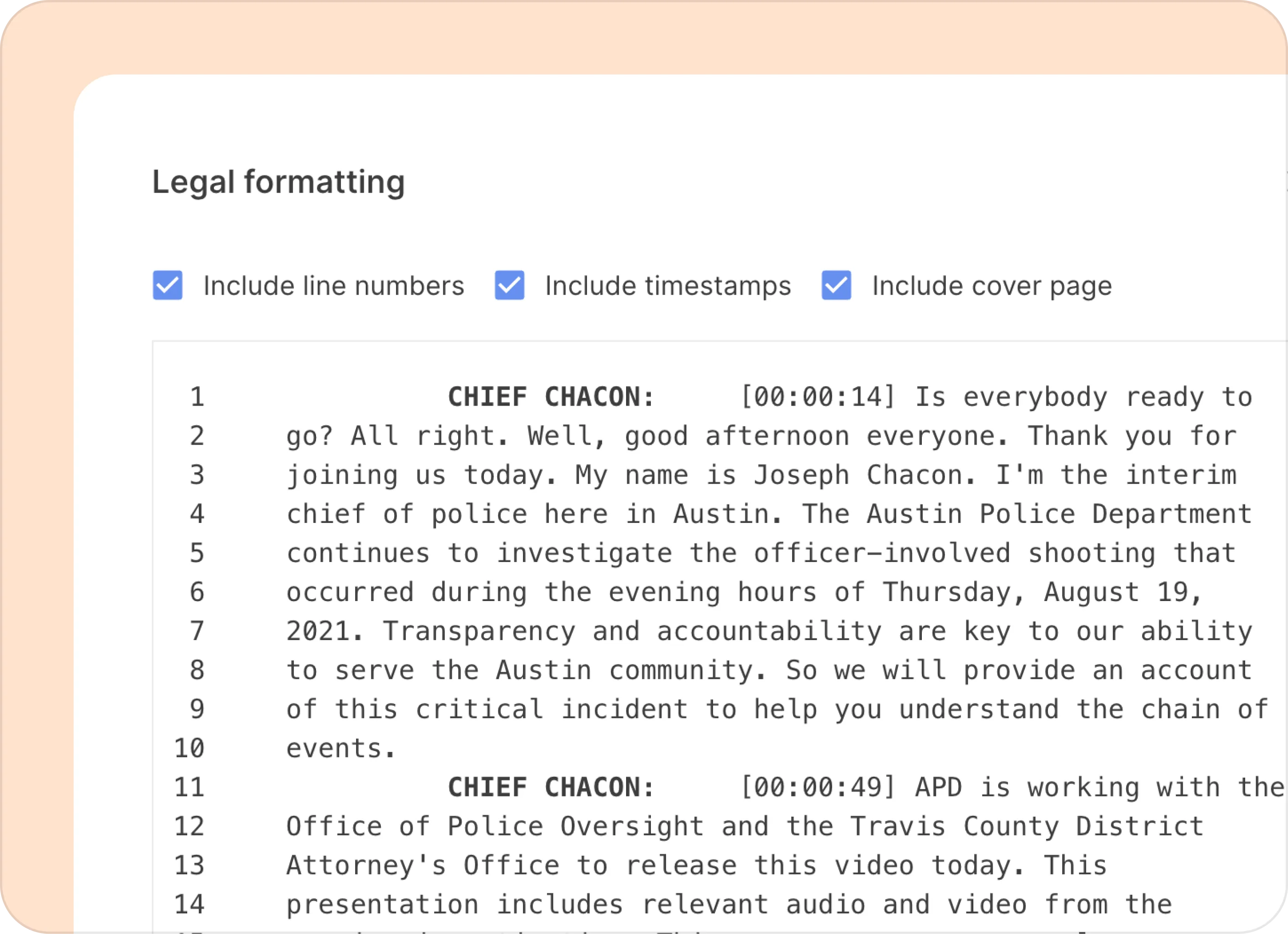
Once you've reviewed the transcript and corrected anything the AI may have missed, download it in whatever format your court requires. We support ASCII TXT or PDF with line numbers, speaker labels, and exact timestamps.
Search across all your calls at once
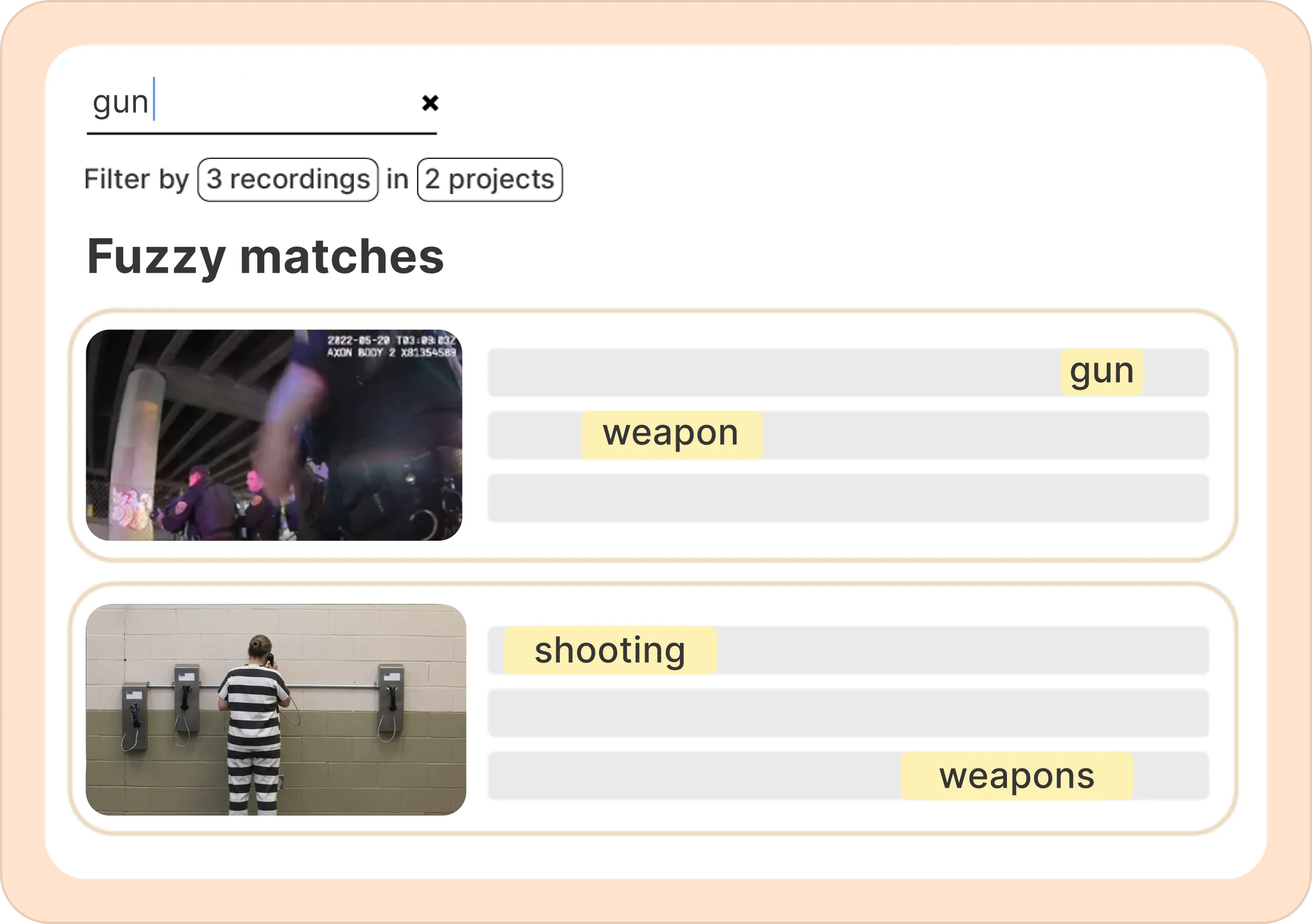
If you're looking for every mention of a specific name, location, or event across 30 hours of jail calls, Reduct's search runs across all your files instantly. Fuzzy search also catches related terms, so searching "gun" might surface calls where your client said "weapon" or "shoot" as well.
Batch summarize jail calls with your custom questions
Reduct also allows you to summarize every single jail call with your custom questions. You can add a list of questions and the Reduct gives you a timestamped summary for all the jail calls, with answers to your specific questions, with clickable timestamps. Clicking on the timestamp takes you to that moment in the video.
Build exhibits directly from the transcript
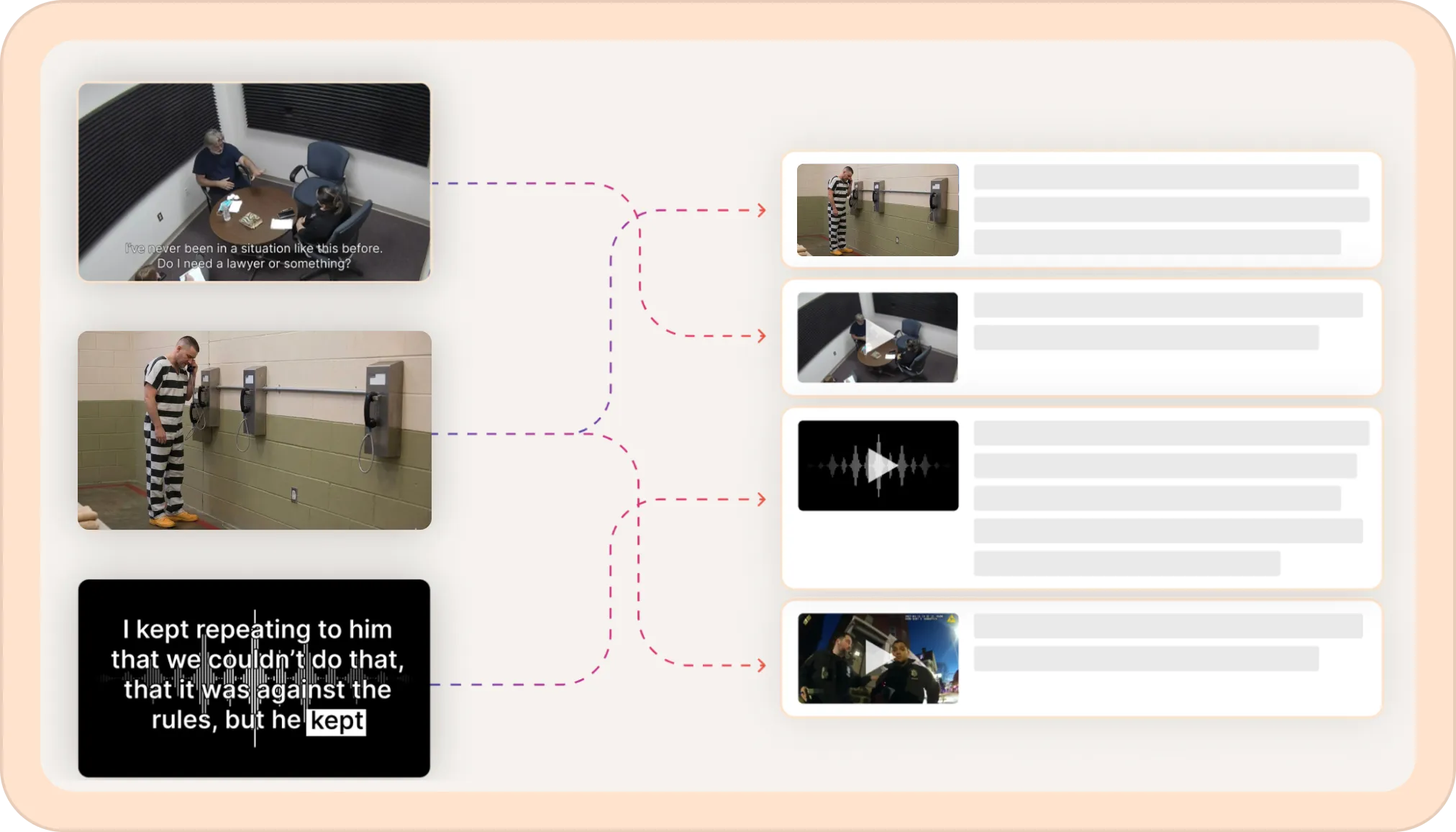
Reduct offers an easy way to get the audio / video out. If you find the 45-second clip where the key exchange happened, you can highlight it in the transcript and click on the download button to download just the clip as a video exhibit.
There’s a lot of insight hidden inside jail calls. Names, timelines, witness details, small statements that change the direction of a case.
The challenge has always been getting the recordings into a format that’s searchable and easy to review.
Reduct solves both problems. You can upload GTL v23, v24, v25, and v26 files directly and get a transcript within minutes, making every call searchable and much easier to review.
If you’re working with GTL calls regularly, give it a try and see how it fits into your workflow.