3 Best Audio & Video Translation Tools in 2026: Which one do you actually need?
February 2026
·
3 min read
Translation is a broad term. Before you spend a dime, you need to know what "translation" actually means for your project. Are you trying to:
- Generate subtitles? Keeping the original audio but adding translated text to the video.
- Dub/Voiceover? Replacing the original voice with an AI voice in a new language.
- Transcribe for analysis? Turning foreign audio into a translated document for research or legal work.
These are entirely different tasks, and each requires a specialized tool. If you pick the wrong one, you’ll either pay for unnecessary features or, even worse, discover halfway through that your chosen "translator" can’t handle your project the way you need it to.
Here are my top 4 picks for 2026, categorized by the specific "job" they do best.
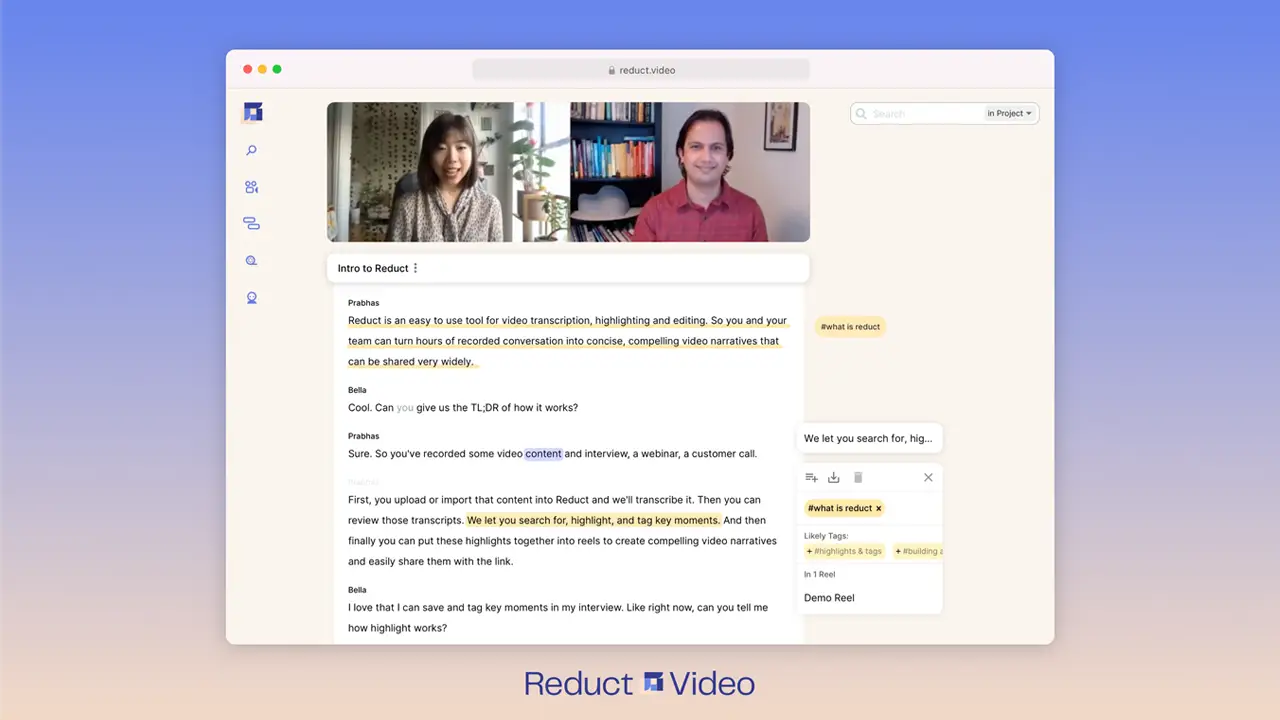
1. Reduct.Video ⭐⭐⭐⭐⭐
Best for: Generating translated subtitles and/or using translated transcripts for analysis.
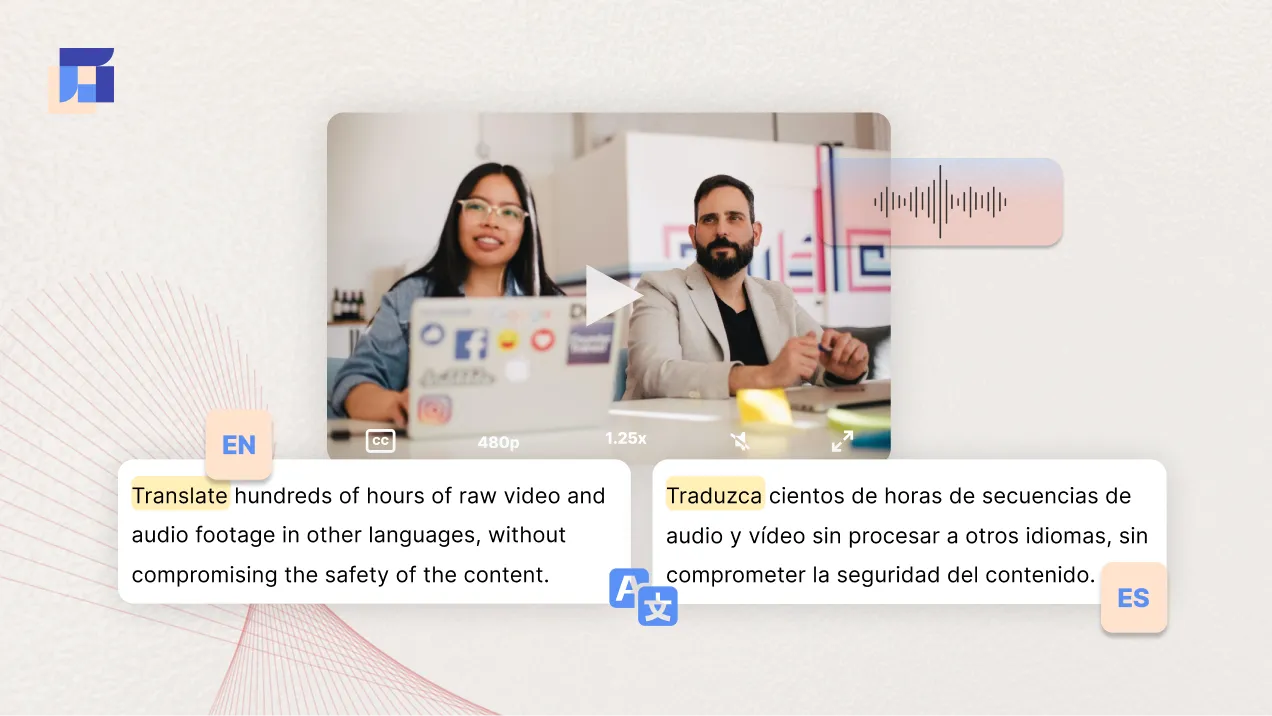
Reduct offers accurate and editable translations in over 90+ languages. It can automatically translate hundreds of hours of raw video and audio footage quickly, with high accuracy. Reduct does 2 things really, really well.
1. Generate automatic subtitles:
Reduct can automatically help you generate captions or subtitles for your video. Just upload your video, translate it to the language of your choice, and you automatically get captions in the language of your choice. You can then download just the SRT file or the video with embedded subtitles.
2. Use translation for analysis:
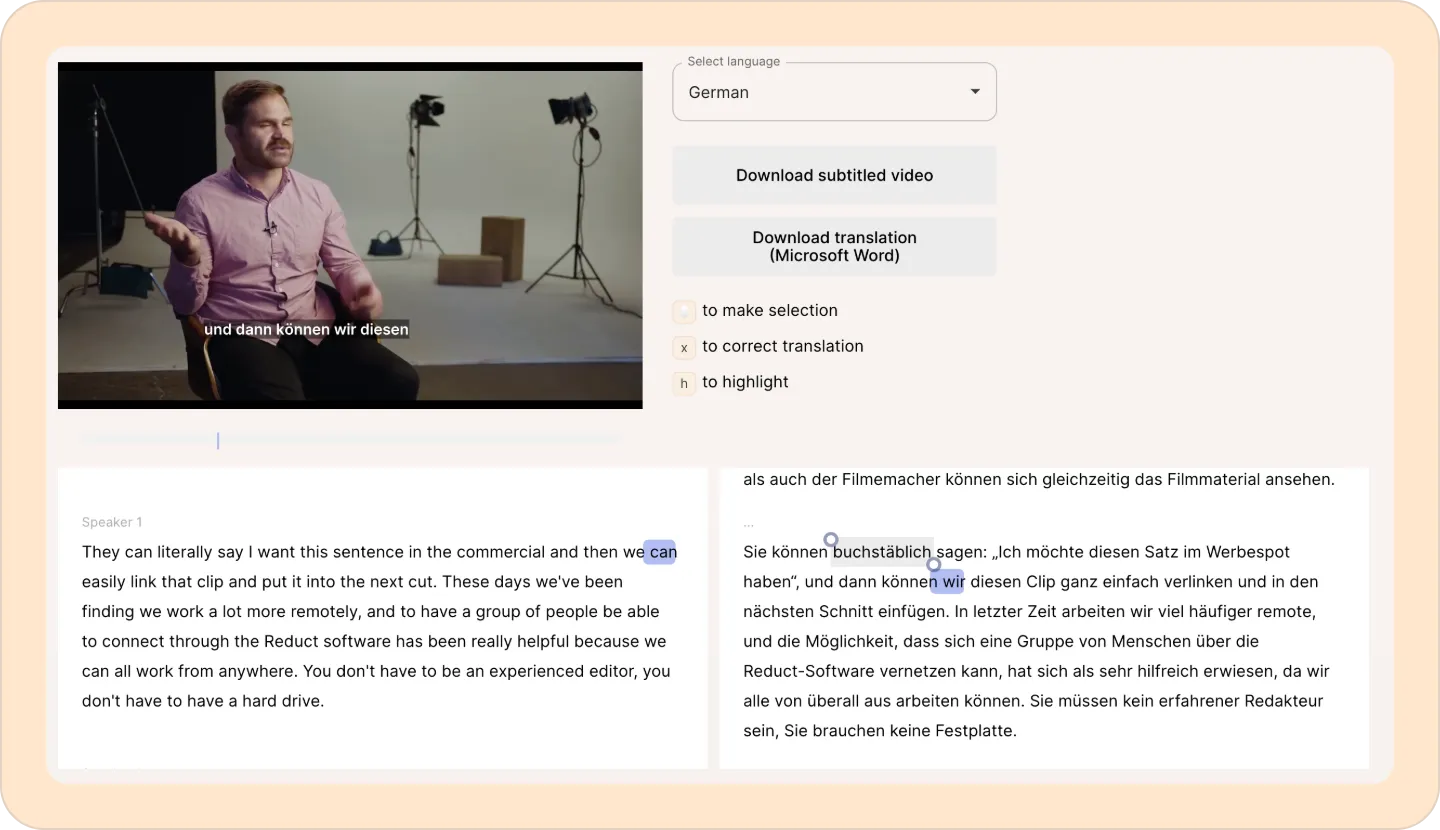
Reduct is the best choice if you need to analyze translated videos. It can show the original transcript and its translation side by side, making it easy to understand the content. You can then select translation, highlight, or tag sections, and even edit a short video clip to share with others. In short, Reduct lets you work with and edit videos, even if you don’t speak the language.
Pricing
- Free Plan → 14 days free trial (includes 5 hours of free AI transcription)
- Personal Plan, $15/month per editor
- Enterprise Plan → Customizable

2. Veed.io ⭐⭐⭐⭐
Best for: Influencers and marketing teams looking for a beginner-friendly translation tool with video editing features.
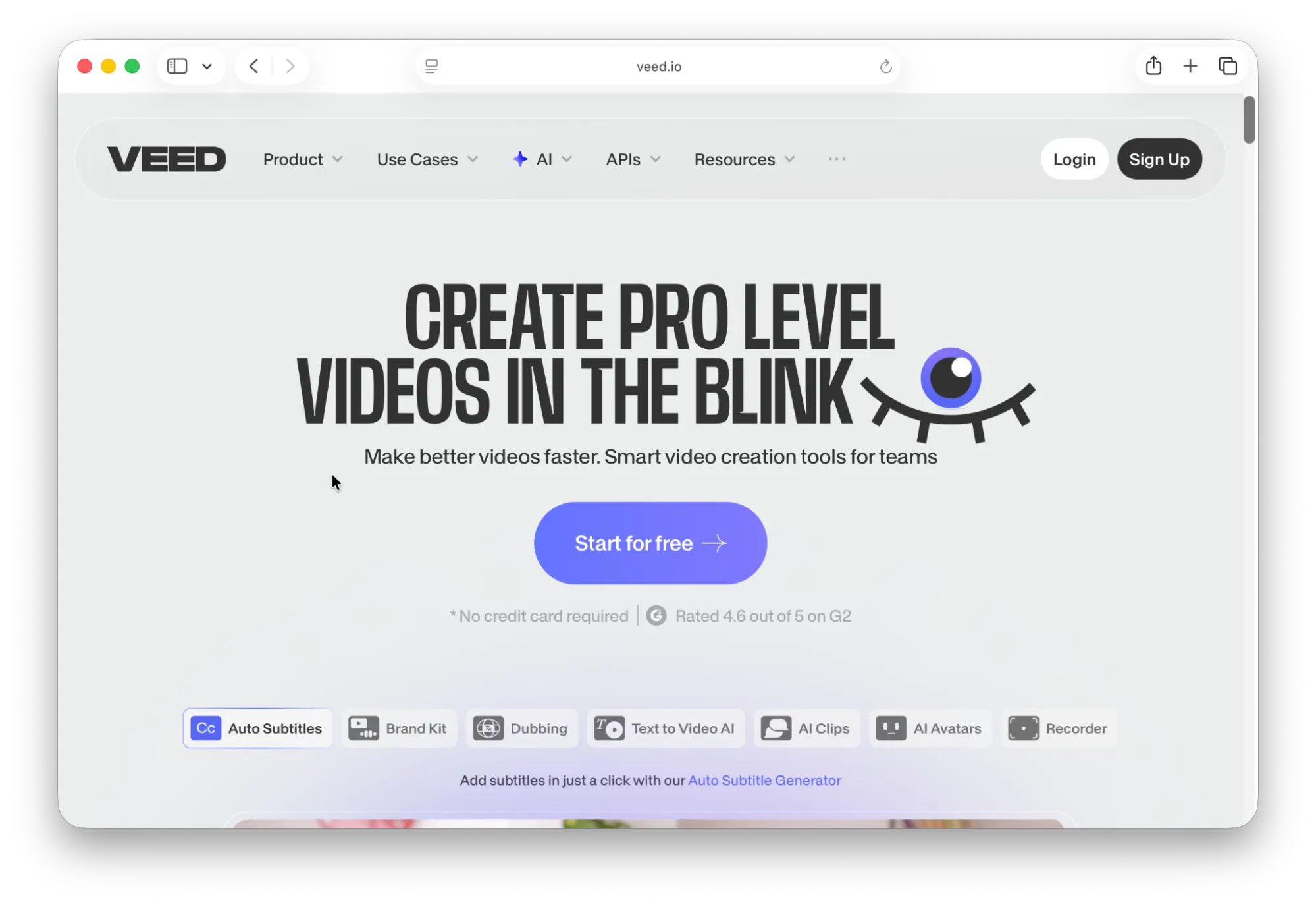
Veed.io offers a simple-to-use translation solution in 125+ languages. It easily translates your video or audio into a language of your choice.
With Veed, you can easily create digestible video clips with translated captions that are ready to share on socials.
If you’re a creator and your goal is "I want my TikTok videos to have Spanish subtitles that look cool," Veed is your winner.
Veed is a great beginner-friendly alternative to Adobe Premiere Pro or DaVinci Resolve.
Pricing
- Free Version→
- Lite, $19/mo, per user
- Pro Version, $49/mo, per user
- Enterprise Version→ Custom pricing
Kapwing is another great tool that didn’t quite make the list. It is very similar to Veed but has more video editing features. If Veed is not quite your vibe, give Kapwing a try.
4. Maestra ⭐⭐⭐⭐⭐
Best for: Dubbing a video into another language using your own voice
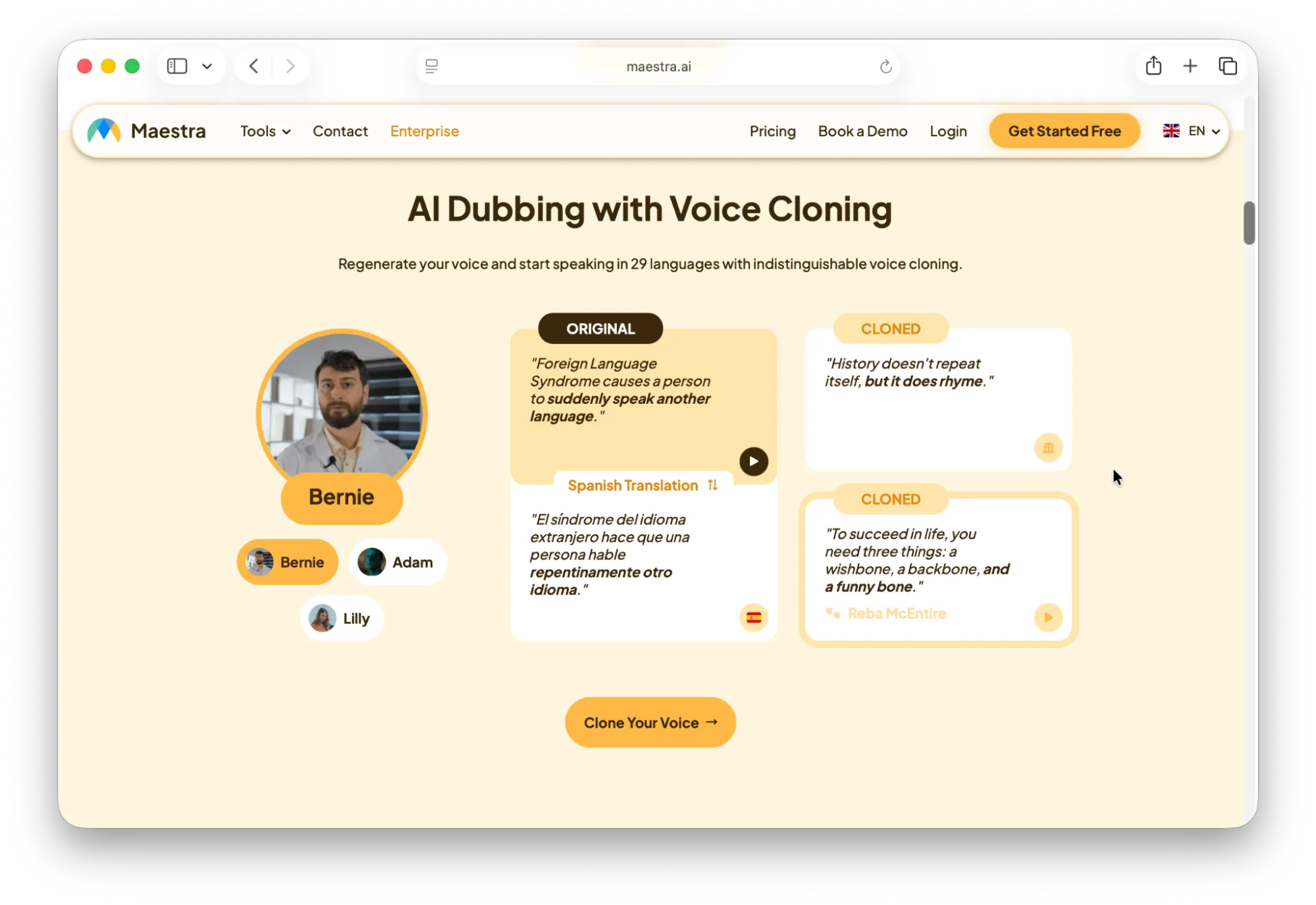
Maestra is for the creator who says, "I want to speak 30 languages, but I want them all to sound like me." While other tools might give you a generic "Spanish Male" voice, Maestra’s standout feature is its Instant Voice Cloning. You upload a 1-2 minute clip of your voice, and the AI builds a digital twin. When you translate your video, the AI uses that "twin" to speak the new language. It maintains your pitch, your energy, and your unique vocal personality.’
Maestra is a great tool for vloggers, documentary filmmakers, and podcasters looking for a natural way to localize their content.
If your sole goal is to turn a video into a foreign-dubbed version, without the need for video editing features, Maestra is the best option for you.
Pricing for Voiceover
- Basic - $49/month, per user, 2 hrs limit
- Premium - $99 per month, ~1.8 hrs (voice cloning included)
- Business - $199 per month, ~3.5 hrs (voice cloning included)
- Business Plus - $449 per month, ~8.5 hrs (voice cloning included)
- Enterprise - Custom pricing
The choice is yours
To help you decide, here is a final checklist based on the three most common audio and video translation use cases we see:
1. Choose Reduct for: Translation for subtitles or deep analysis. Reduct is the only tool on this list that lets you work with video as easily as a Google Doc, featuring a side-by-side translation view that is crucial for working with foreign language audio.
2. Choose Veed.io for: High-speed social media growth. You are a creator or marketer who needs to turn a raw clip into a globally ready post. Veed is built for the fancy "subtitled video," making sure your content looks great on a phone screen.
3. Choose Maestra.ai for: Full content localization and "Native-Feel." You want to break the language barrier entirely by letting your audience hear you in their own tongue. Maestra is built for producing "Front-facing" content like a YouTube vlog or an online course.