How Bodycam Footage Increases Case Complexity (& How to Cut It Down)
October 2026
·
4 min read
Findings in this piece are drawn from a new RAND study of the Los Angeles County Public Defender's Office.
According to the government-commissioned study, a single case can now take a public defender anywhere from 10 to 800 hours to prepare. Bodycam footage is one of the main reasons that gap has grown so wide.
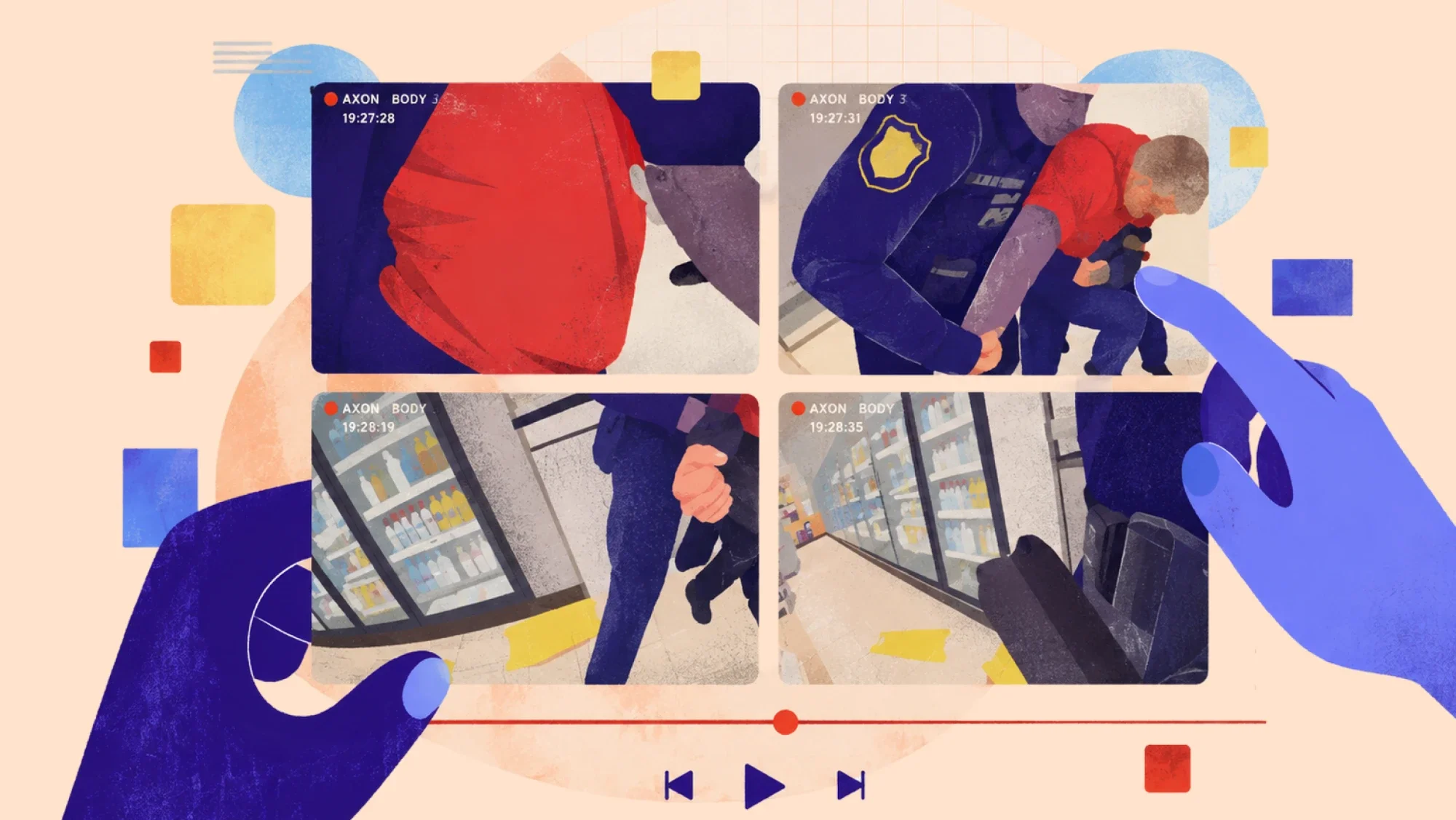
Surveyed attorneys told researchers that reviewing bodycam video is one of the most unpredictable parts of case prep. A misdemeanor that should take a day can turn into a week once the bodycam footage starts piling up.
What’s driving the bodycam workload
One attorney said the volume of footage they're expected to review is "obscene" enough to push a low-level case into medium-level territory purely on workload. Volume is part of it, but the bigger issue here is structural:
- Just getting your hands on the footage takes time. Attorneys have to request it from the DA's office, then deal with clunky downloads and playback before review can even start.
- The same incident is often captured by multiple officers, so attorneys end up watching overlapping footage more than once.
- There's no reliable way to know in advance which minute could change the outcome of the case. A detail that looks irrelevant on first pass can become the basis for impeaching a witness later, which means attorneys have to watch every minute closely.
Bodycam footage can surface constitutional violations, contradict a police report, or provide context that changes the whole theory of a case. Attorneys can't hand off the review itself without watching it closely first, which is why it costs so much time.
RAND’s recommendations
According to RAND, the fix isn’t adding more attorneys or asking them to put more hours in the day. Instead, the report recommends putting a dedicated support role in charge of downloading, organizing, and logging footage by officer, incident, and timestamp, and flagging the sections that involve direct officer-client interaction.
Attorneys still make the legal judgment calls, but they stop losing hours on the mechanical parts of review. The report even floats AI as a tool worth exploring for this specific task.
Where Reduct fits
RAND's recommendation closely matches what the Office of the Colorado State Public Defender (COPD) has already put into practice.
According to an ABA-supported study, Colorado employs fewer than a third of the public defenders it needs to meet workload standards, and its attorneys faced the same flood of bodycam and dashcam footage LA defenders described.
Rather than wait on new hires, COPD piloted Reduct and then rolled it out statewide. Today, more than 1,000 staff use it daily to transcribe bodycam footage and police interviews, search for key evidence, and prepare captioned exhibits for trial.
Here's how that workflow maps to each pain point attorneys raised in the RAND report:
1. Requesting, downloading, and organizing footage
Once you have the files from the DA's office, bring everything into a single case in Reduct, whether that's a drag and drop or an import straight from Dropbox, Box, or another cloud storage service you're already using. Footage from every officer, dashcam, or interview room lives in one place in Reduct.
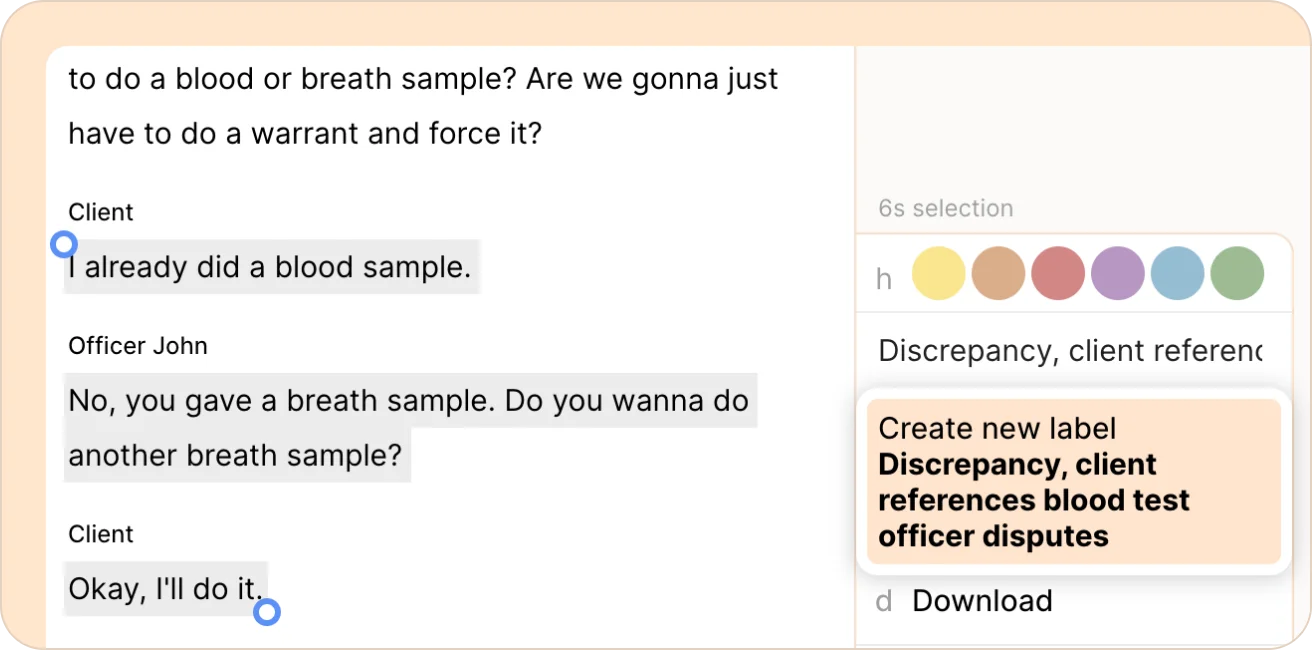
If you want a paralegal or support staff to help, you can give them access to just that case and let them handle the groundwork, like labeling key moments, flagging officer-client interactions, organizing footage by incident, and pulling together an initial summary for you to review.
This setup work happens before you ever open the file.
2. Not knowing what's relevant until it's too late
Instead of opening one officer's footage with no idea where to start, and then doing it again for the second officer… and the third… you get a quick summary across all of the footage upfront. Each point in the summary is timestamped, so you can click straight to that moment.
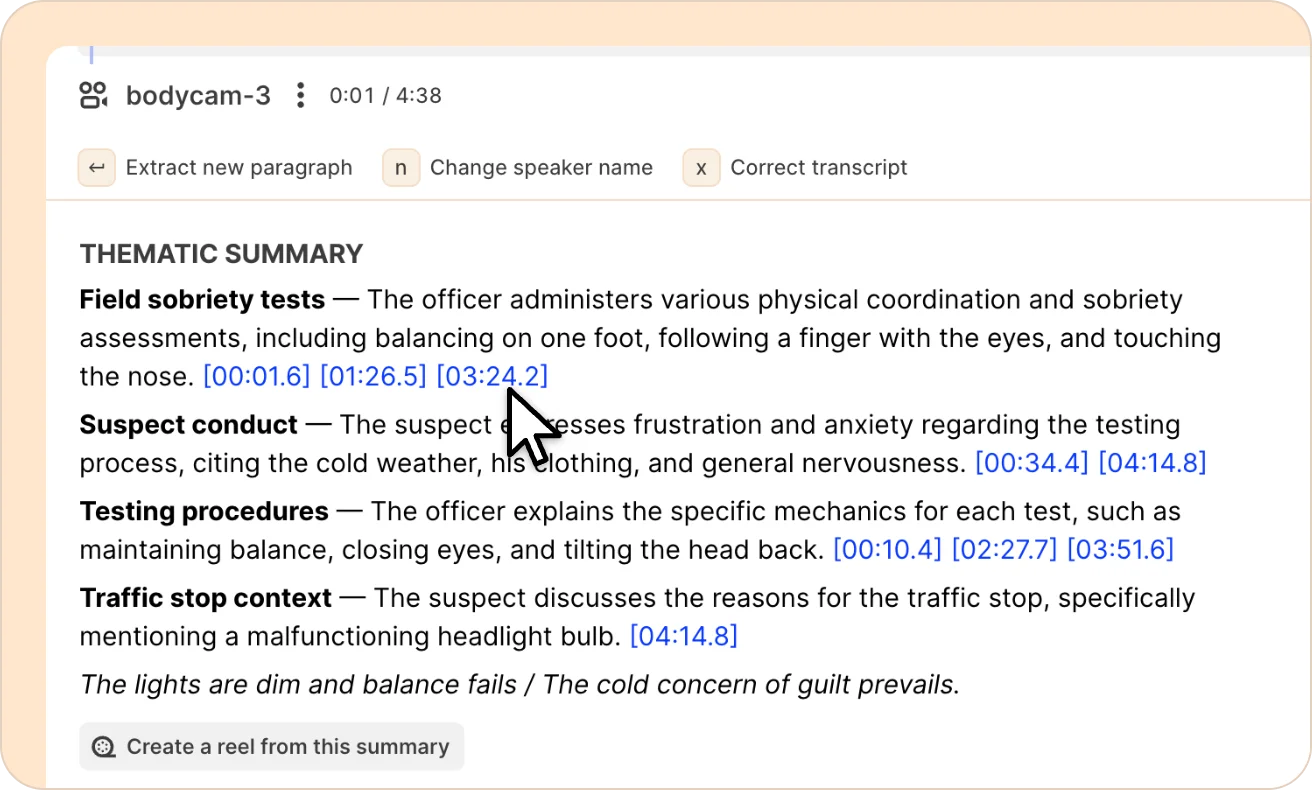
Text search works across all the officers' footage at once, so you can jump straight to a keyword, a name, or a specific phrase without knowing in advance which officer's footage it's actually in.
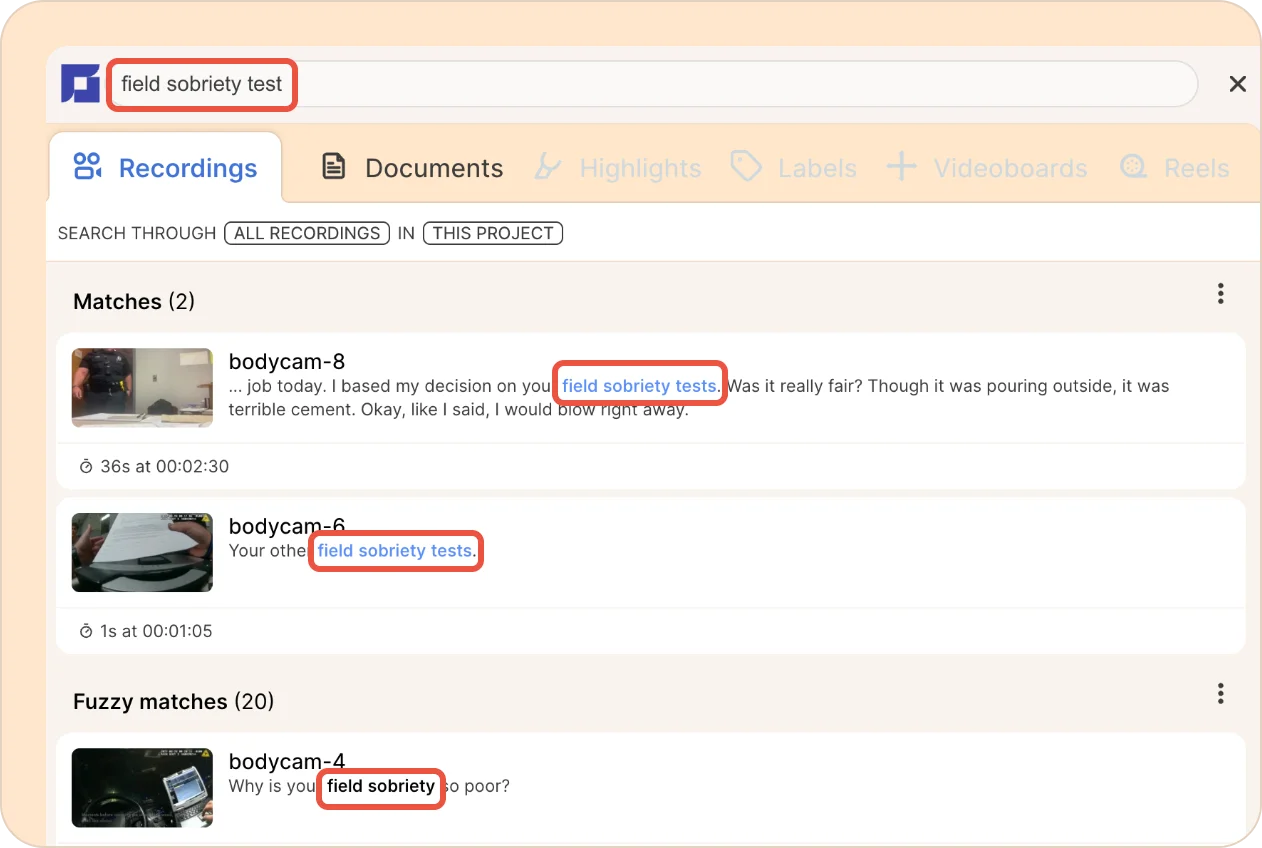
When you find something worth remembering, whether it's a potential Brady issue, an inconsistency between two officers' accounts, or a comment your client made that only shows up on one camera, you can highlight and label it once. It stays there, searchable and timestamped, so you're not relying on a mental note when you're prepping for a hearing weeks later.
3. Watching the same incident multiple times
When three officers respond to the same call, you'd normally watch three separate files, often for the same few minutes of action from three different angles. Reduct's multicam feature syncs their footage together into one view, so you watch the incident once, with every officer's angle and transcript lined up side by side to the same moment in time.
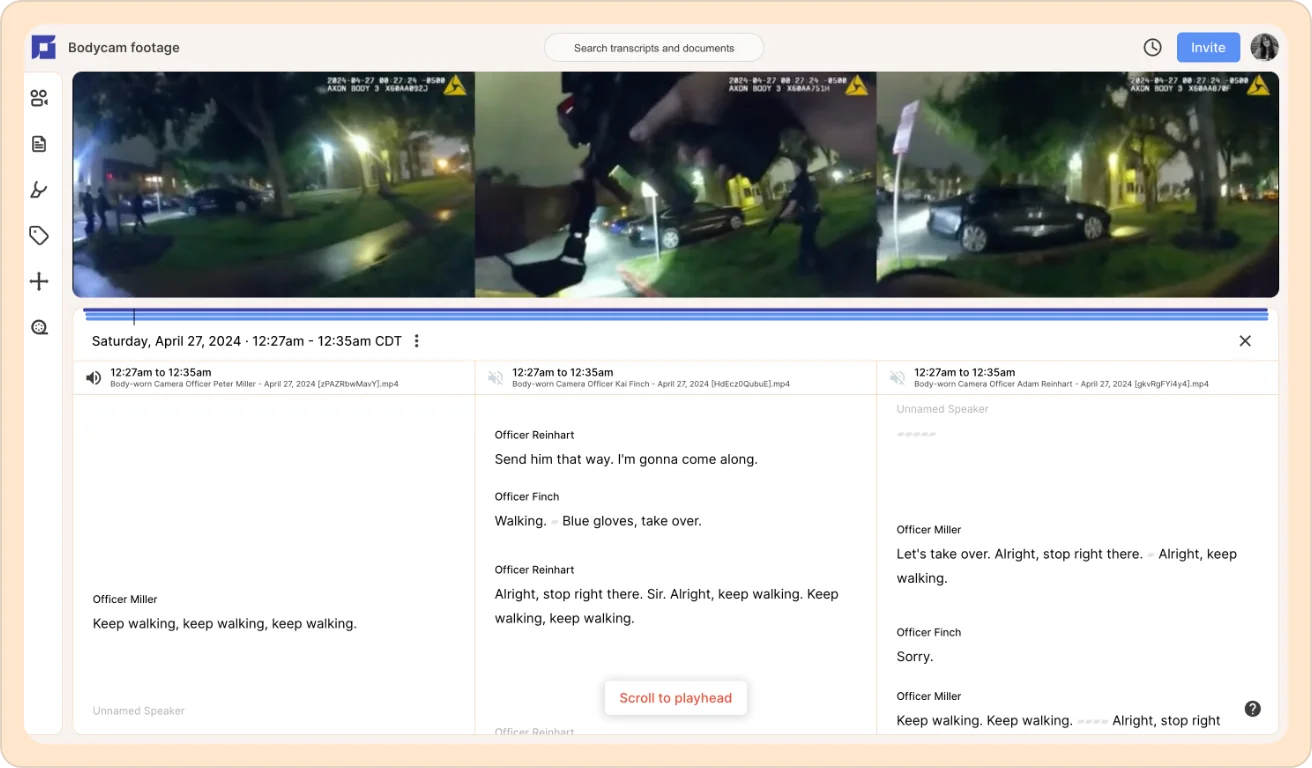
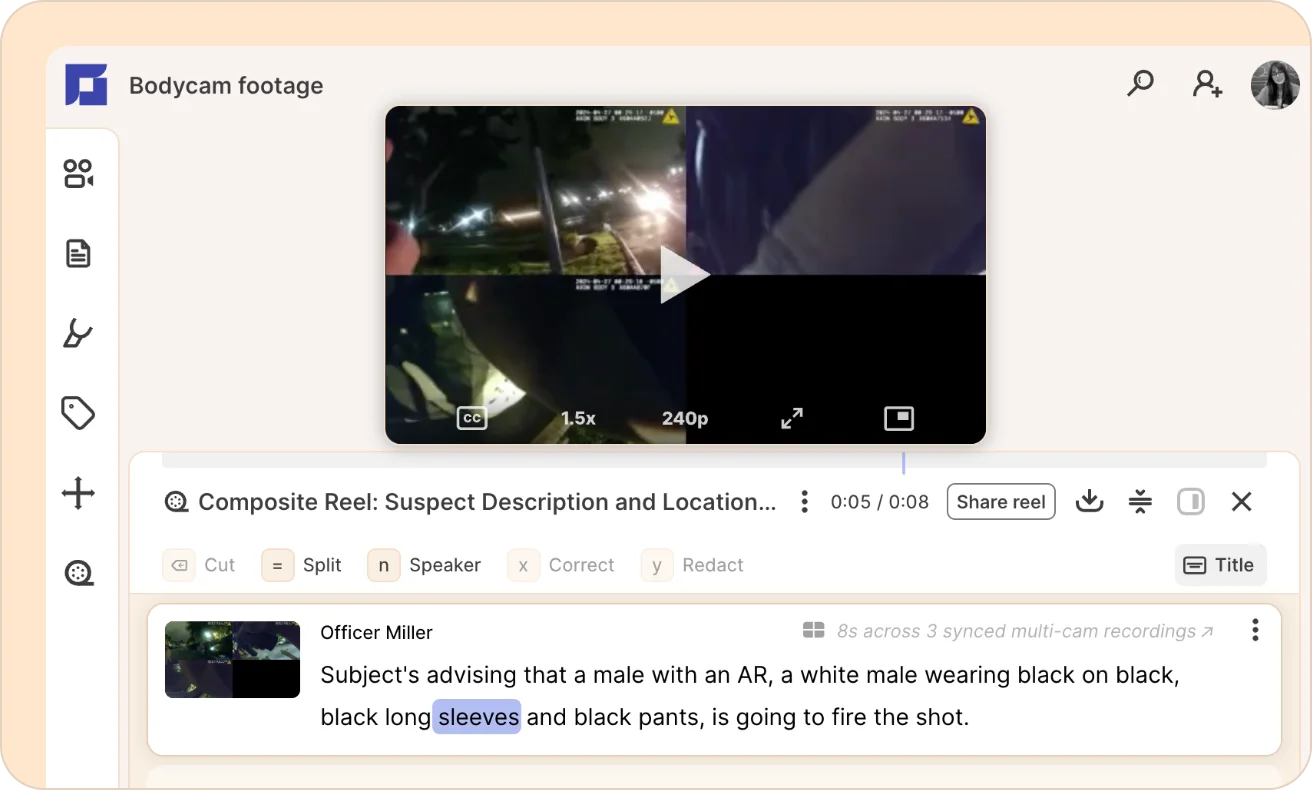
Once you've found the clips you need across each officer's footage, you can pull them into a composite reel, which is a single clip built from across all three synced cameras, ready to share or attach to a filing.
4. Building the record for court
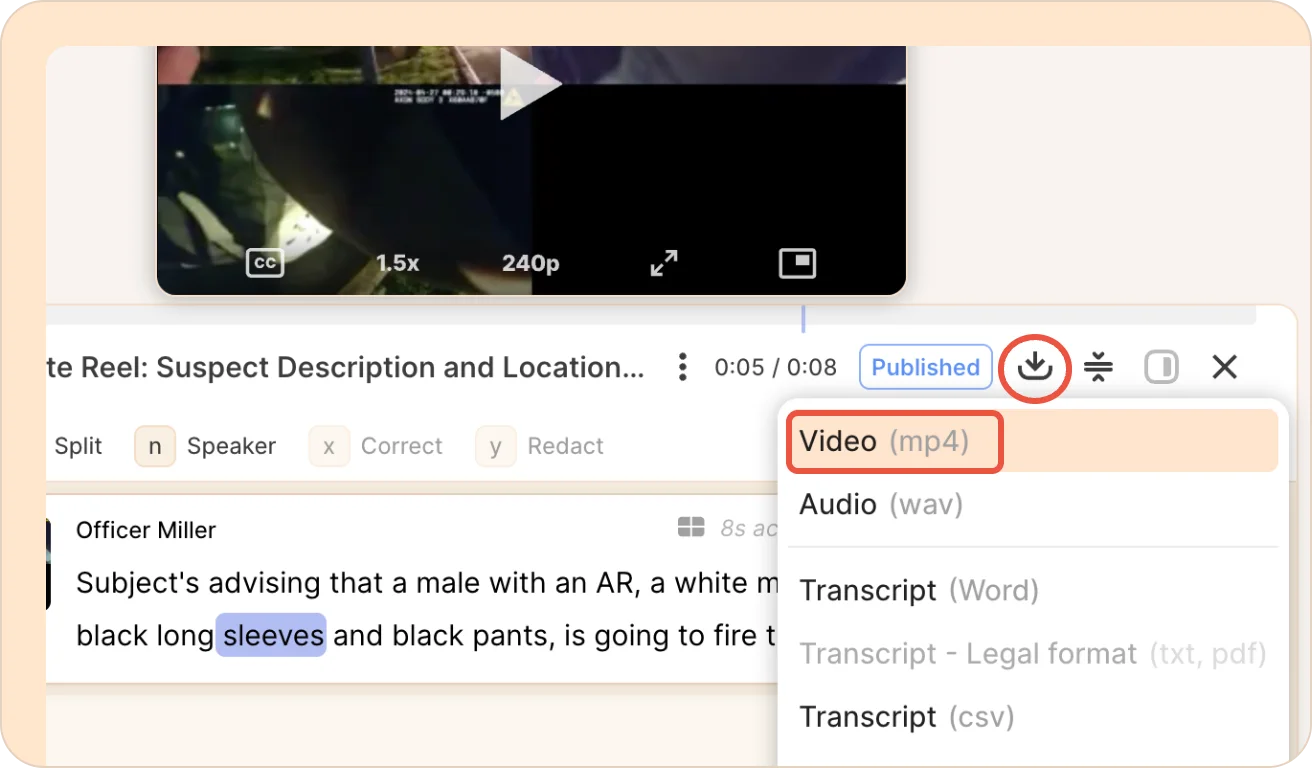
You don't need a separate tool to make your video exhibits courtroom-ready. You can clean up the transcript and redact faces, license plates, minors, or anything else that shouldn't go in front of a jury, right inside the same reel you just built.
Then export it as a finished file, ready to attach to a motion or hand to co-counsel.
The best part is that none of this involves “generative AI” writing arguments or summaries for you. Reduct's AI transcribes and helps you search and organize what's already in the footage. The legal judgment stays with you because Reduct doesn’t decide what a piece of footage means; that's still your read and your case.
Try it with your own caseload
RAND's study of LA's public defenders points to a clear need for dedicated support on the mechanical side of bodycam review, so attorneys can focus on the legal calls. Reduct gives your team a faster way through those tasks, from organizing files to flagging key moments.
You can test that on a real case with a 30-day free trial for public defense teams.
TALK TO A PUBLIC DEFENDER
We're on your team
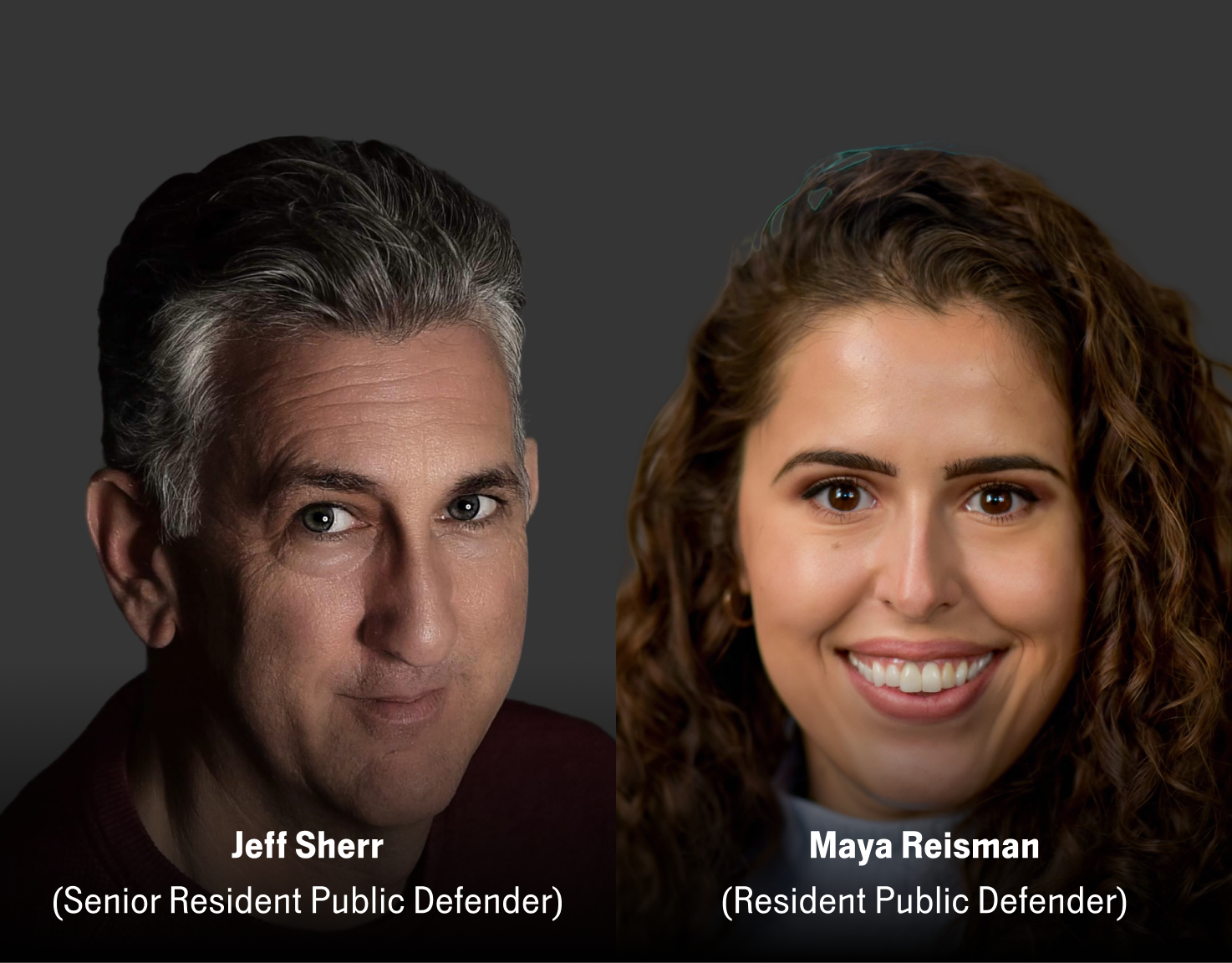
We believe the people building tools for defenders should understand what it actually takes to be one. So we have former public defenders helping us build the product. Have a question about whether Reduct fits your office? We’d love to talk to you.