Prosecutors Are Using AI. Can Defense Attorneys Afford Not To?
October 2026
·
4 min read
It’s tempting to think of not using AI as the most ethical option as a defense attorney. If the technology can hallucinate, reproduce bias, mishandle confidential information, or produce convincing but incorrect work, why use it at all?
A recent NACDL white paper argues that avoiding AI altogether can create its own ethical concerns. As prosecutors’ offices experiment with advanced AI tools, defenders need to understand how these tools work, use them responsibly, and keep pace with the capabilities of the other side.
Ignoring AI isn't necessarily the safer choice
The Model Rules already require lawyers to keep up with changes in the law and its practice, including the benefits and risks associated with relevant technology. The paper connects that obligation to AI-based software: you need enough understanding of the tools you use to recognize what they can do, where they can fail, and when they should not be used.
That means knowing enough to make a responsible decision for their clients. For example:
- What information does this tool receive?
- Where does that information go?
- Is it retained?
- Who can access it?
- Is it used to train a model?
- How reliable are its outputs?
- What happens when the AI gets something wrong?
- Can the attorney verify the result independently?
- Is this actually a task where AI should be used?
The real questions are about defense practice more than the technology itself. The paper says avoiding AI leaves clients at a systematic disadvantage against AI-equipped prosecutors.
Using AI responsibly starts with choosing the right tools
Defender workloads create pressure to work faster. As AI tools like Claude, ChatGPT, etc. are within easy reach, some defense teams may use them regardless of office policy. NACDL's paper highlights this point and frames the real question as:
Does the AI run through approved systems with safeguards, or through individual accounts that could put confidential information at risk?
The paper says defense offices have an imperative to provide at least some vetted AI-powered tools. It separates them into two groups, and the difference affects how client information is handled.
- Enterprise tools are deployed through organizational accounts with negotiated terms of service, dedicated security infrastructure, and administrative oversight. The paper says they typically operate in closed environments where data stays within the organization's control. Its examples include Harvey and CoCounsel.
- Personal tools are consumer products, such as the free versions (or personal plans) of ChatGPT, Claude, and Gemini. They typically operate as open systems where user inputs may be retained, analyzed, or used in future training. Their terms rarely include the confidentiality guarantees legal work requires.
Entering confidential client information into an open system risks breaching confidentiality duties under Model Rule 1.6, and even a routine query could disclose client facts and could put the confidentiality of the communication at risk.
Before putting case information into an AI-powered tool, defenders should understand how the vendor handles it. The paper recommends looking at questions, including:
- Data retention: How long is information stored?
- Training: Is customer information used to train models?
- Access: Who at the company can access customer data?
- Security: What controls protect the information?
- Deletion: Can data actually be deleted?
- Third parties: Does the vendor rely on another AI provider or subprocessors?
- Verification: What mechanisms exist for checking AI-generated results?
The author also warns that your vendor may rely on another company’s AI model. That means the contract you sign may not fully explain how your data and outputs are handled.
That is why vendor evaluation needs to be part of the defense workflow, instead of a decision left entirely to an IT department.
Quick note: If you’re evaluating an AI vendor for your criminal defense office, we have a free ethical toolkit you can check out.
Don't use AI for everything just because you can
Once you have a secure tool available, the next question is what it should actually be used for. This is where calibration matters.
There is a meaningful difference between using AI to help find every occurrence of a name across 900 hours of jail calls and asking it to decide whether a client's statement was legally coerced.
The first can help narrow down a huge amount of information. The second requires careful human analysis that AI can’t replace. Where AI fits depends largely on the task. A useful way to think about AI-assisted work is in three categories:
Work where AI fits best
AI can reduce a lot of the repetitive grunt work without making the ultimate legal judgment. Examples include:
- Transcribing recordings
- Searching large discovery collections
- Finding references to names, locations, or topics
- Organizing documents
- Creating a first-pass summary
- Locating sections of lengthy records
- Generating a starting point for routine administrative work
Using AI for these tasks can save you time without taking the lawyering out of your hands.
Work you should verify
You can use AI to get a starting point for your legal research, evidence analysis, preparing factual timelines, and identifying potential inconsistencies. However, the output needs to be checked before you rely on it.
Certain AI can invent cases, misquote real ones, and misstate facts. The NACDL paper mentions that in at least 500 U.S. cases, as of January 2026, courts responded to hallucinated content in filings. So attorneys still need to verify their work and do the lawyering part.
Work that stays with you
AI can help organize information and flag things worth looking at, but it cannot make decisions about strategy, credibility, legal significance, or client advice. The lawyer still needs to decide what the information means for the case and what to do with it.
The more consequential the decision, the more important it is for the attorney to review the underlying evidence, apply their own judgment, and make the final call.
Save your time for work that needs your legal judgment
The point of using AI in defense work is to spend less time searching, sorting, transcribing, and organizing, and more time on the work that requires your legal judgment.
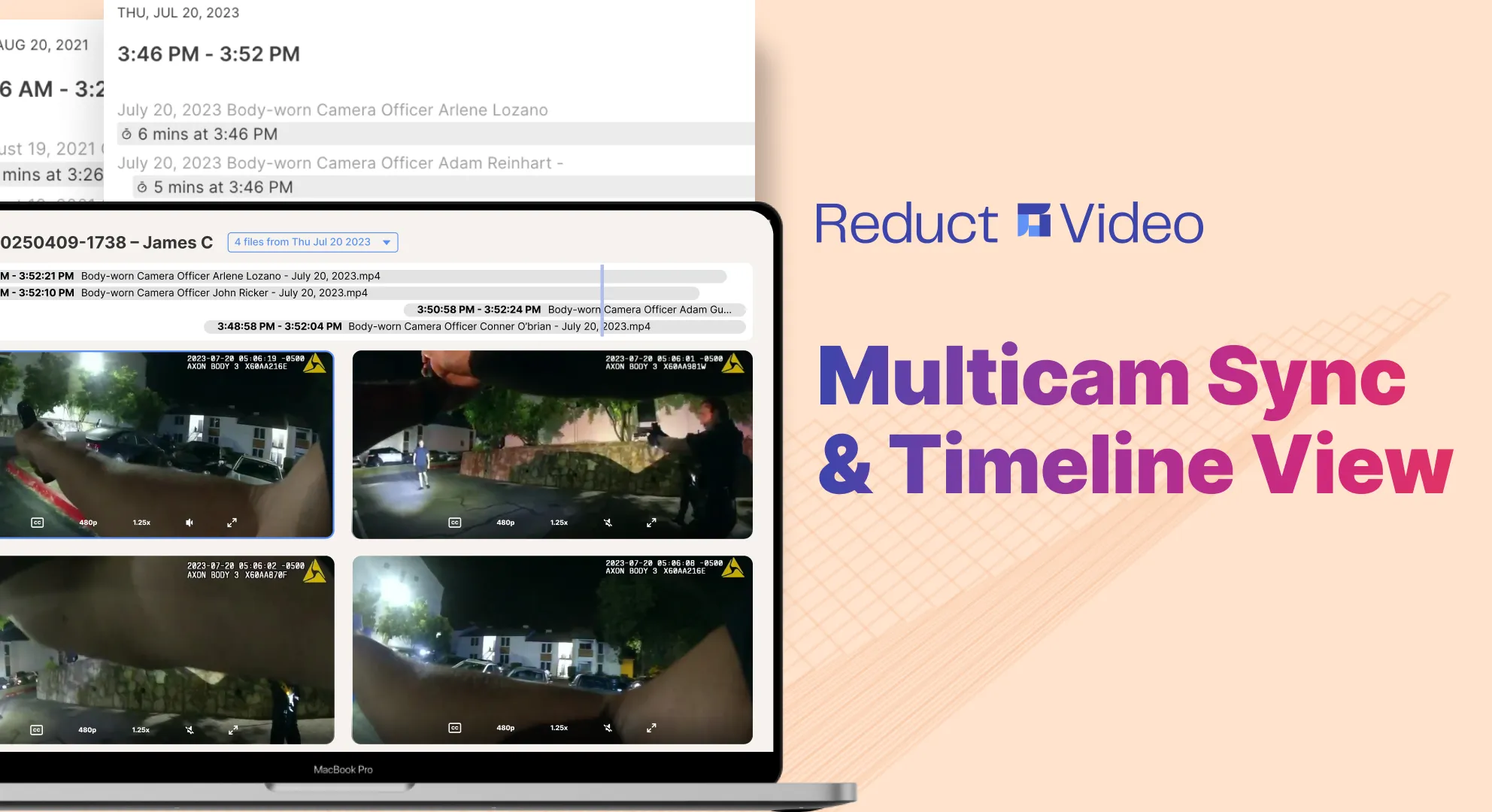
Reduct can help you work through recordings and documents faster, so you can get to the analysis and case building that can only be done by a lawyer.
If you want to see how it could fit into your workflow, book a call with our team. We’re happy to walk you through it, answer your questions, and help you figure out whether it’s a good fit for your team.
TALK TO A PUBLIC DEFENDER
We're on your team

We believe the people building tools for defenders should understand what it actually takes to be one. So we have former public defenders helping us build the product. Have a question about whether Reduct fits your office? We’d love to talk to you.