5 Best Italian Transcription Software in 2026
April 2026
·
5 min read
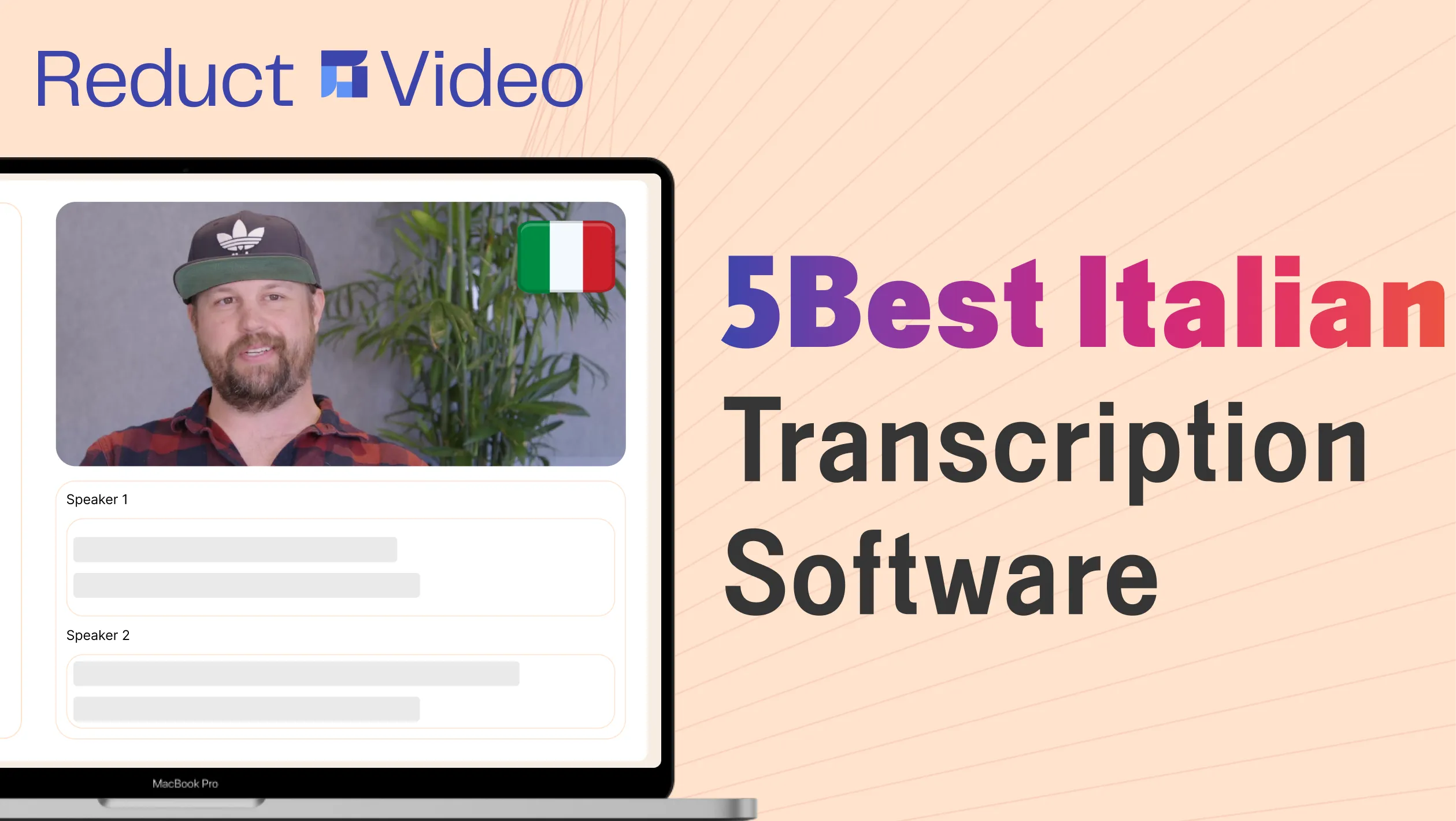
Working with Italian audio or video can be much easier with transcription, saving you time and effort. Italian transcription is particularly useful if you work with multilingual clients.
With features for editing transcripts, generating summaries, adding captions, and more, AI transcription software simplifies your tasks from a chore to an effortless experience.
But with all the options out there, where exactly do you start? Let’s discuss the top 5 Italian transcription software to help you make an informed decision.
Best Italian transcription software options in 2026
-
Reduct.Video: If you need highly accurate, reliable Italian transcripts in bulk
-
Happy Scribe: If you’re dealing with difficult Italian dialects and need a human in the loop
-
Notta: If you want to transcribe meetings or get live transcriptions
-
Sonix: If you have low-volume Italian recordings to transcribe and don’t want a monthly subscription
-
Maestra: If you also need options for voiceovers, dubbing, and more
1. Reduct.Video
Why Reduct?
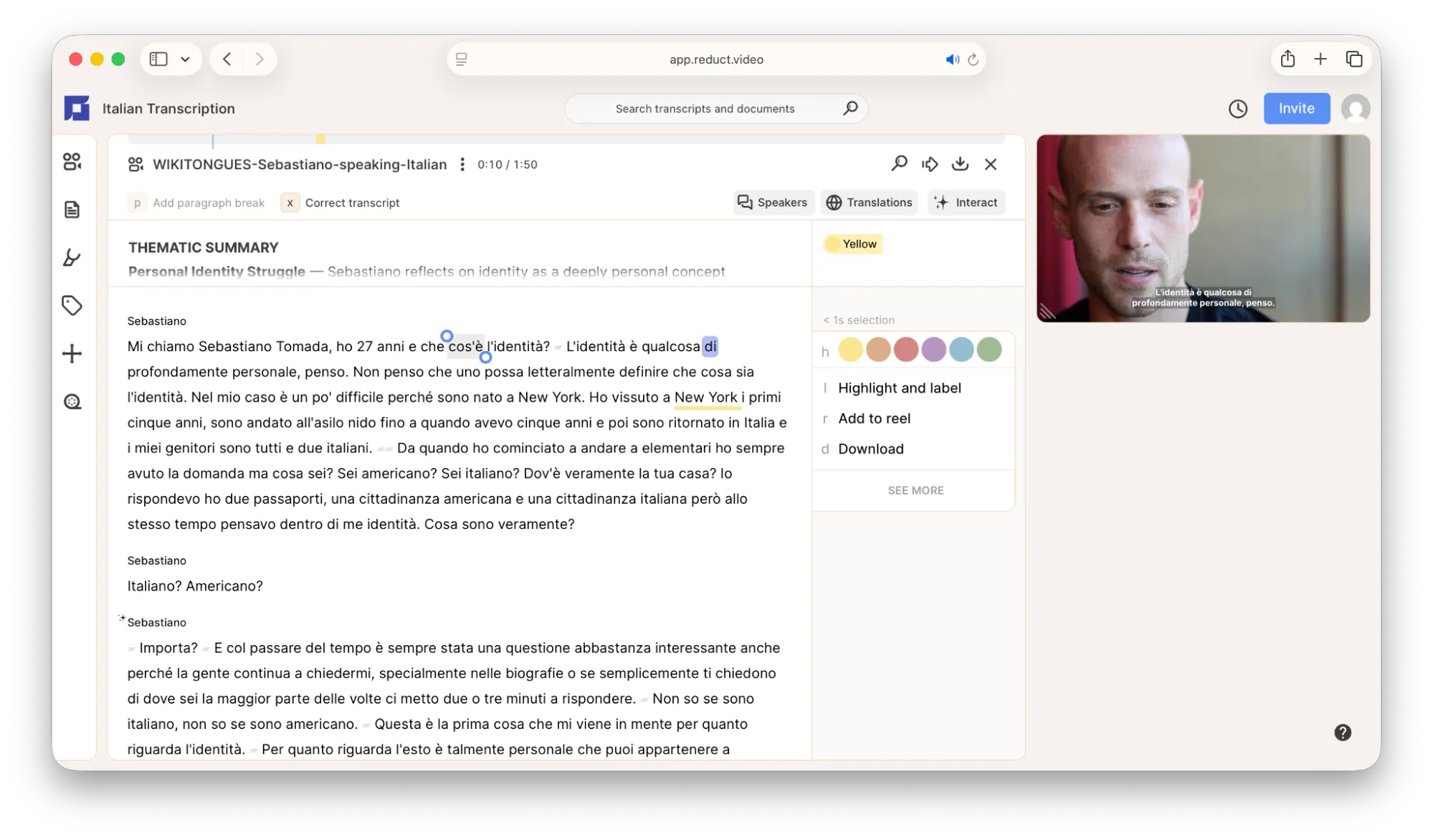
Reduct.Video is the go-to platform for all transcription needs. It is one of the most accurate transcription software (with >94% accuracy in English ), now available in Italian.
Simply upload your Italian video or audio to Reduct and get the AI transcript in minutes. You can review, highlight, and edit your transcripts as necessary.
Need to find a specific moment in your hours-long Italian video or audio? You can just search for it by typing in specific or related words.
This means that you can go through dozens of hours of video or audio content faster and easier.
Most transcription tools on this list are highly accurate. However, Reduct is one of the two tools on our list that offers translations. You can easily translate your Italian transcripts into other languages and also add them as subtitles.
Who is it best for?
Reduct is the most recommended option if you want to transcribe large volumes of Italian video or audio, such as body cam footage, interviews, phone calls, and more.
Reduct’s compliance with standards like SOC 2 Type II, GDPR, and HIPAA also makes it THE choice for criminal defense professionals, user researchers, and filmmakers alike.
Pricing:
- Free trial (5 hours of free transcription)
- Paid plans:
- Personal ($12/month per editor paid annually)
- Professional ($40/month per editor paid annually)
- Flexible pricing that fits any Enterprise

2. Happy Scribe
Why Happy Scribe?
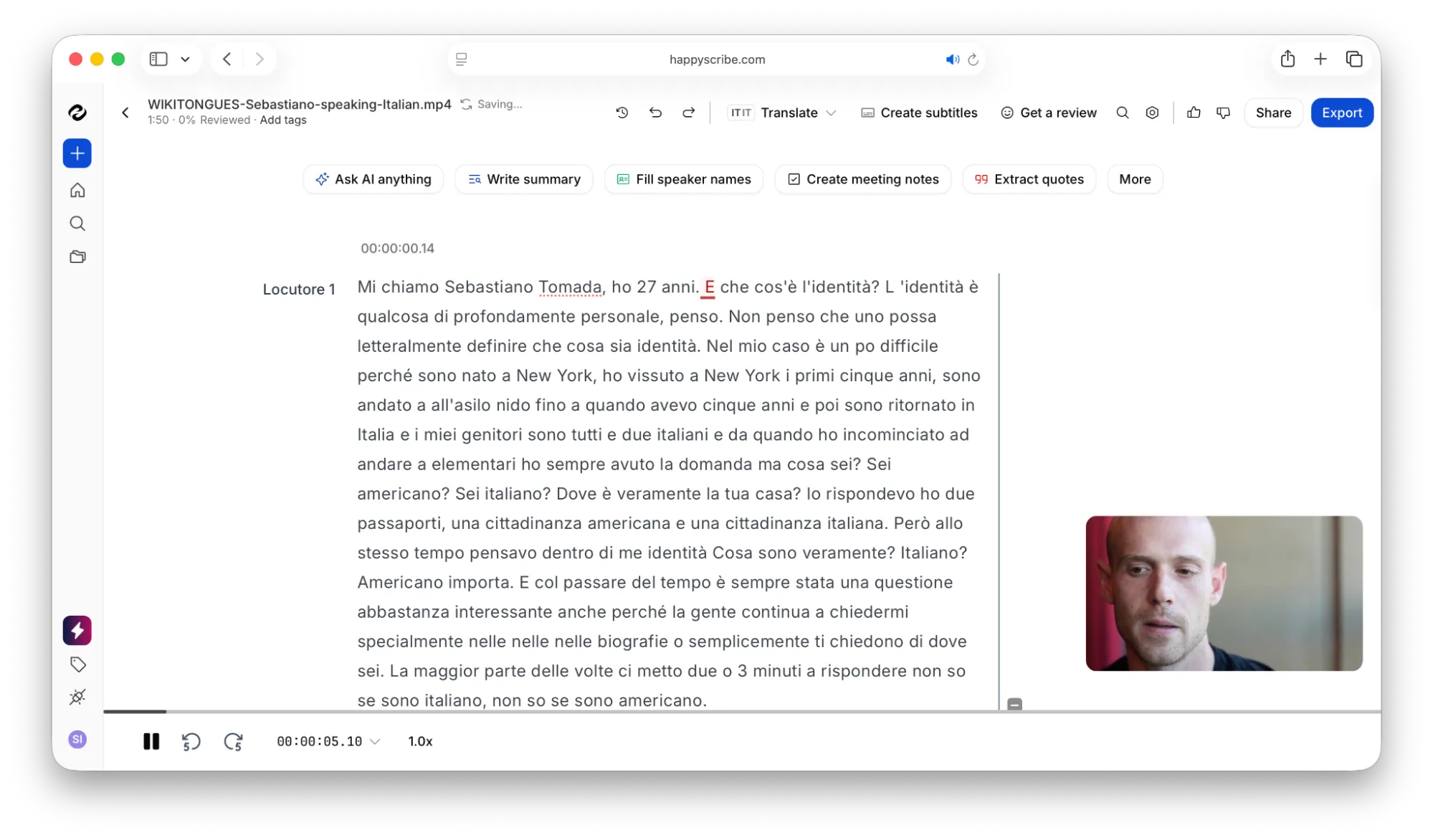
HappyScribe offers human transcription for Italian, along with its AI transcription. With this, you can opt for higher-quality transcripts with better accuracy.
This is mainly suitable for video or audio that has a lot of background noise or is accent-heavy. HappyScribe covers different Italian dialects and regional variations that other transcription software may have issues with.
Additionally, HappyScribe supports audio and video transcription in over 120 languages.
Who is it best for?
HappyScribe is best for journalists, researchers, and content creators who need transcription, subtitles, or AI notetaking help.
If you’re dealing with challenging audio and need human intervention, HappyScribe’s human transcription would be the best option.
Pricing:
- Free trial (10 minutes of transcription)
- Paid plans:
- Basic ($8.50/month per user, paid annually)
- Pro ($19/month per 3 users, paid annually)
- Business ($59/month per 5 users, paid annually)
- Human transcription ($2.75/ minute, with a turnaround time under 48 hours)
3. Notta
Why Notta?
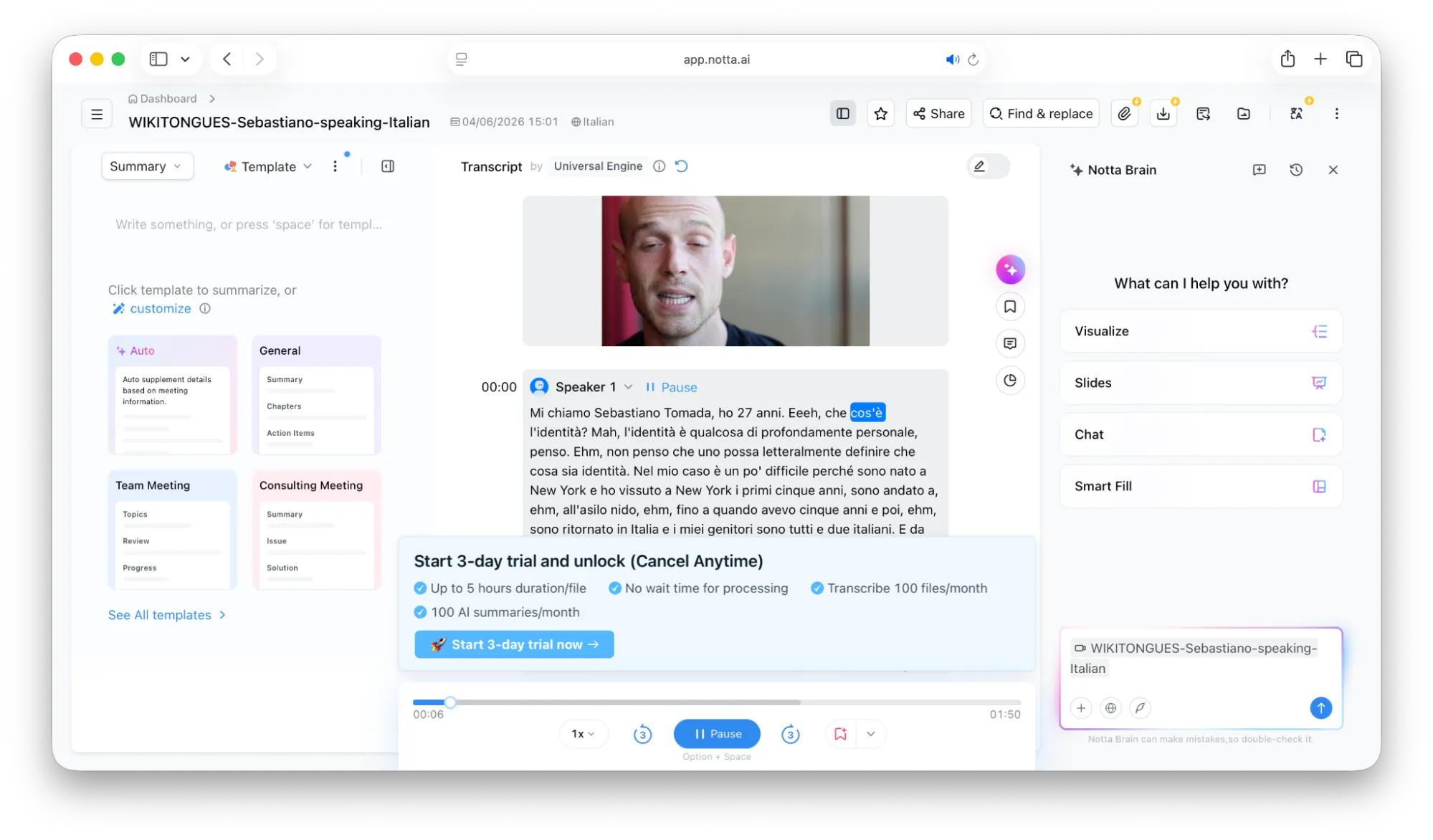
Notta transcribes your live meetings and recordings in Italian with speaker identifications, and supports bilingual transcription so you can see your conversation in two languages at once.
You can integrate Notta into your Calendar and automatically transcribe all your scheduled meetings, with no effort on your end.
Notta also lets you auto-generate summaries and action plans from your meetings. You can easily review them to get the gist of the meeting without having to go through the entire transcript.
Plus point: You can also install Notta as a web extension. With this, you can record any video or audio and transcribe it directly within your web browser.
Who is it best for?
Notta is perfect for anyone who primarily needs transcription of their online meetings. If you want AI-powered note-taking, bilingual transcription, automatic translation, and clear action plans after your meetings, Notta is a great choice.
Pricing:
- Free Trial (200 minutes/month)
- Paid Plans:
- Pro ($8.17/month per seat, paid annually)
- Business ($16.67/month per seat, paid annually)
- Enterprise (Starting from 51 seats and customizable)
4. Sonix
Why Sonix?
Sonix’s pay-as-you-go pricing option is a convenient choice for individuals who don’t want to commit to a monthly subscription.
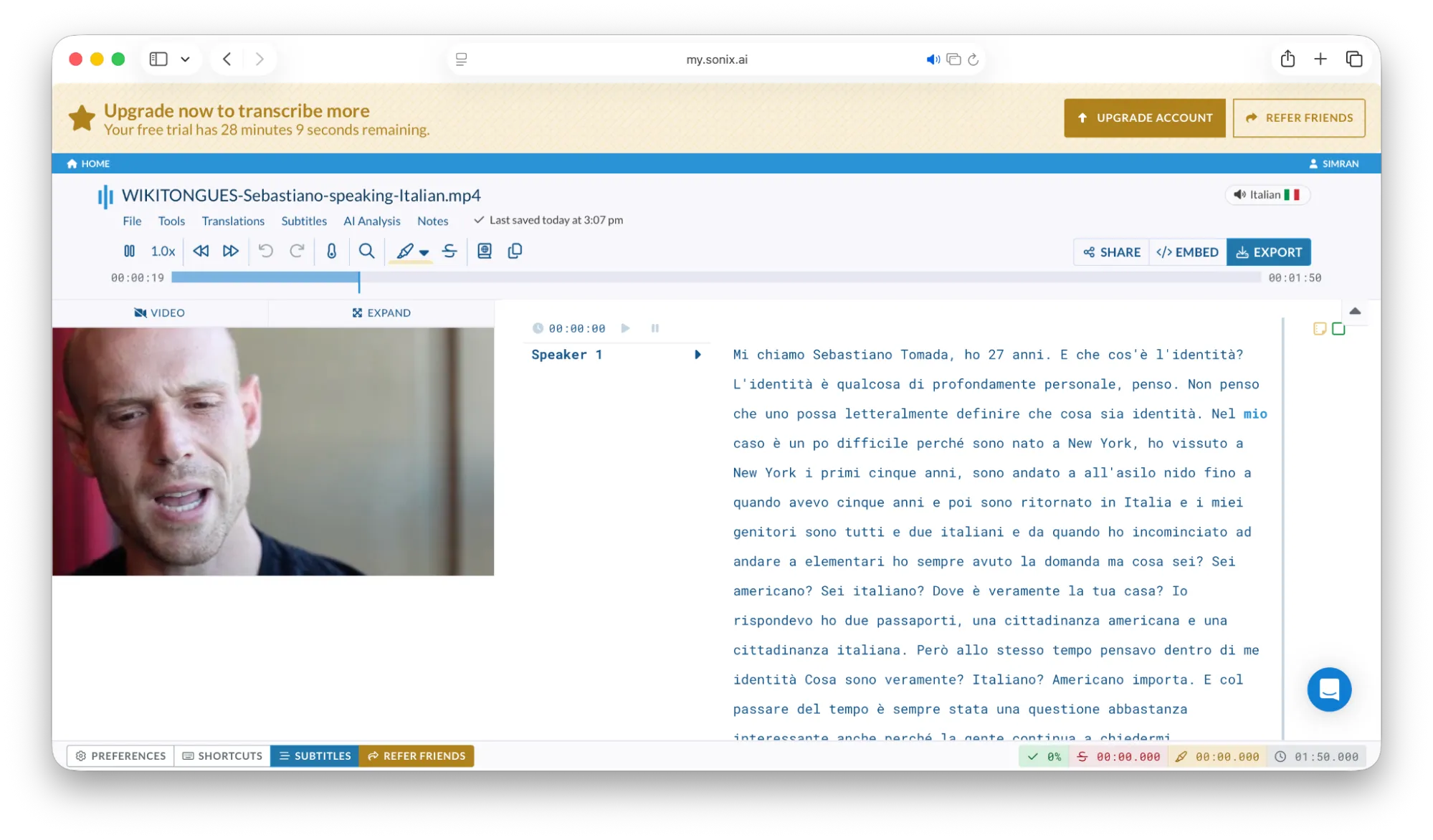
With Sonix, you can create a customizable vocabulary. You can add specific Italian terms, names, or technical jargon that Sonix may not recognize. This way, you can improve the accuracy of your AI transcripts.
It also provides a "confidence score" to indicate how confident it is about the accuracy of each word. This score can help you assess the transcript’s overall quality.
With Sonix, you can transcribe your video and audio in over 53 different languages, including Italian.
Who is it best for?
Sonix is the ideal option for those with a low or infrequent need for Italian transcription and don’t want to commit to a monthly subscription.
It’s also a good choice for technical fields like research and journalism, where precise vocabulary is crucial.
Pricing:
- Free trial (30 minutes of transcription)
- Paid plans:
- Standard (Pay-as-you-go at $10/ hour)
- Premium ($198/user/year, billed annually + $5/hour for file uploads)
- Enterprise (Customizable)
5. Maestra
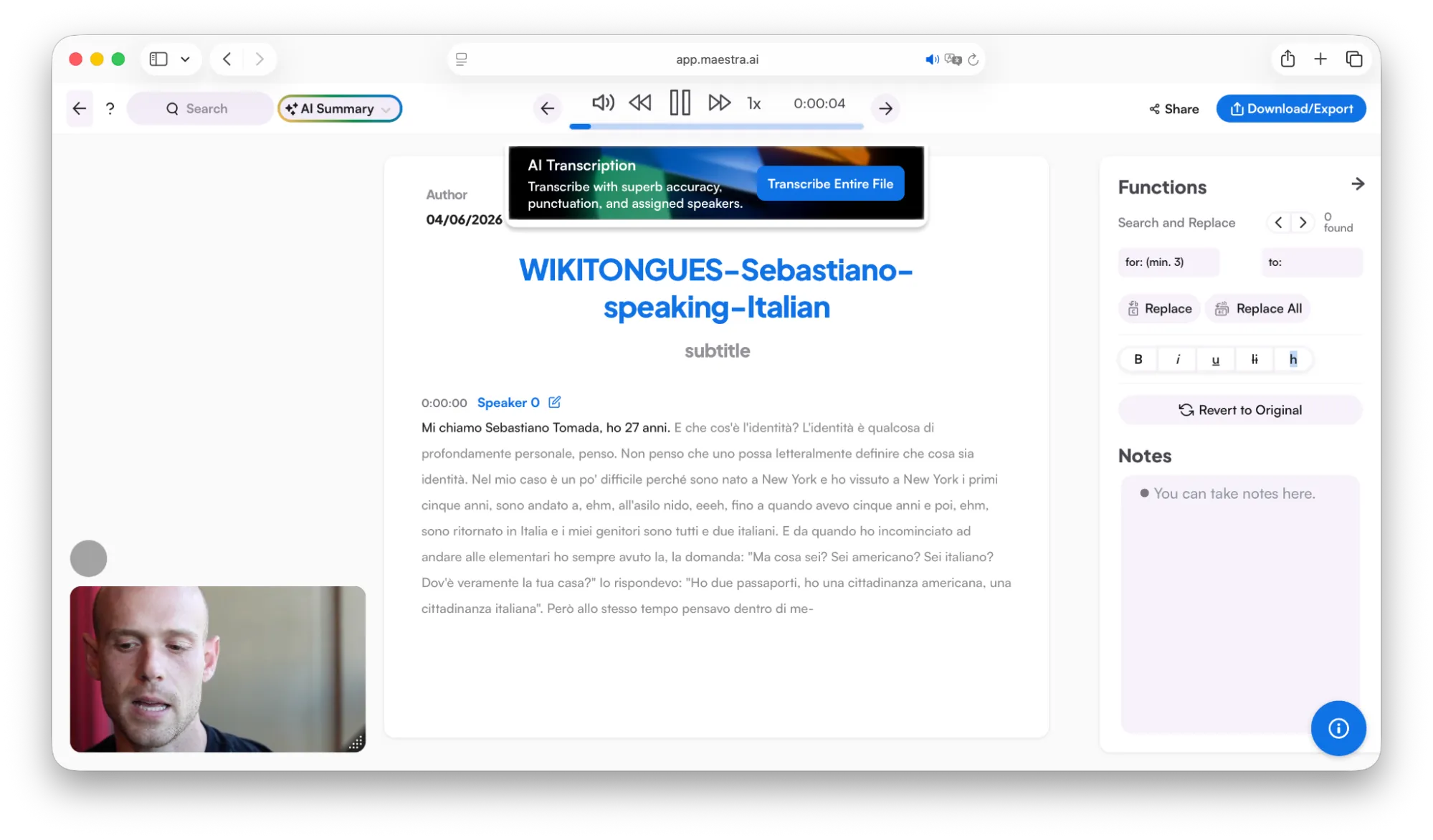
Why Maestra?
Maestra is an all-around solid Italian transcription software for video and audio transcription, translation, and high-quality voiceover/dubbing in over 125 languages.
Editing transcripts in Maestra is like editing in Google Docs or Microsoft Word. You can customize the fonts in the transcripts, add notes, use custom dictionaries, and more.
You can also translate your Italian transcripts and voiceover your video or audio to any other language.
Who is it best for?
Maestra works well for anyone looking for an editable interface and custom styling options for transcripts. It is a great tool for content creators, media professionals, and educators.
Plus, if you want to take it a step further and try out features like voiceovers and dubbing, Maestra is the right choice. You may also get a discount if you’re an educator, student, or a non-pro
Pricing:
- Free trial (limited minutes)
- Paid plans:
- Pay-as-you-go ($12 per 60 credits, equivalent to 60 mins)
- Lite ($23 per month, billed annually)
- Basic ($39 per month, billed annually)
- Premium ($79 per month, billed annually)
- Enterprise (Customizable)
Did you find your perfect transcription tool?
Each Italian transcription software in this list has its own distinctive features, so choose the one that works well with your workflow.
As all these tools offer a free trial option, you can test them out yourself and pick the best one.
If you’re a legal professional, researcher, or just have a lot of transcription work, start your free trial with Reduct and get reliable Italian transcription right away.